Filament: Show a Live Character Count Under a Field Using JsContent
2026-04-29 Filament v4/5Showing a live character counter under a textarea typically means firing a Livewire request on every keystroke. Filament v5 has a built-in way to compute display text entirely in the browser using JsContent, so the counter updates instantly with zero server round-trips.
The Setup
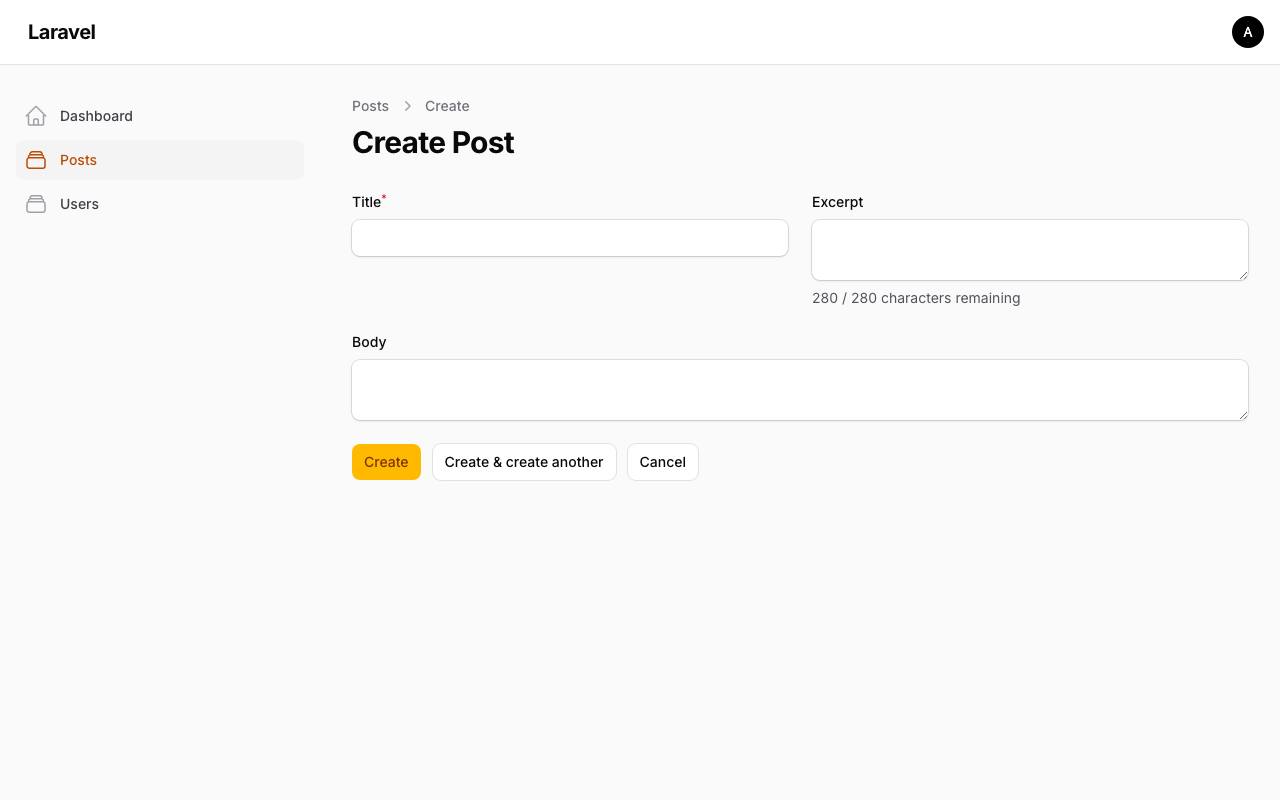
Say you have a Post resource with an excerpt field capped at 280 characters. The form looks like this before adding the counter:
app/Filament/Resources/Posts/Schemas/PostForm.php
use Filament\Forms\Components\Textarea;use Filament\Forms\Components\TextInput; TextInput::make('title'), Textarea::make('excerpt') ->maxLength(280),Adding the Counter
Filament's Text schema component has a ->js() method that evaluates its content as a JavaScript expression in Alpine.js, with access to $state (the field's current value) and $get() (any other field's value). Combine that with belowContent() and you get a reactive label that never touches the server.
app/Filament/Resources/Posts/Schemas/PostForm.php
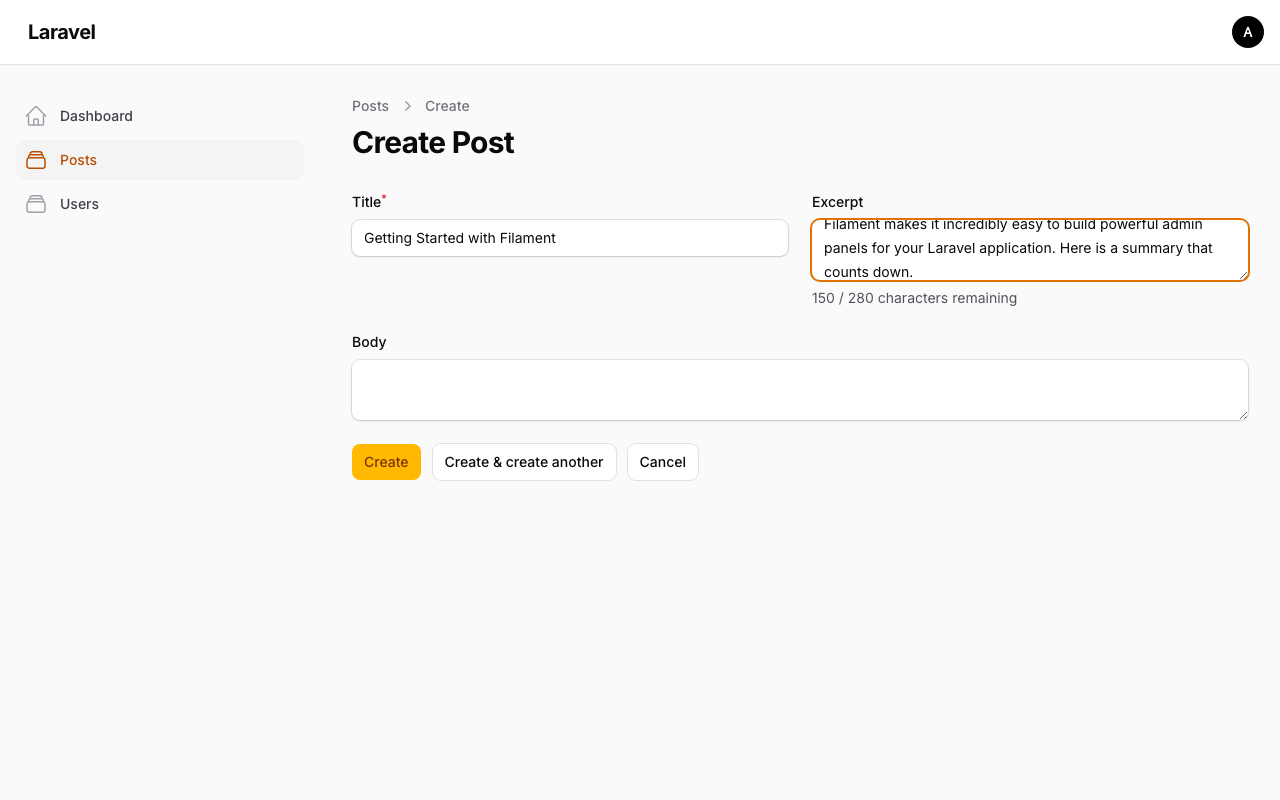
use Filament\Forms\Components\Textarea;use Filament\Forms\Components\TextInput;use Filament\Schemas\Components\Text; TextInput::make('title'), Textarea::make('excerpt') ->maxLength(280) ->belowContent( Text::make('`${280 - ($state ? $state.length : 0)} / 280 characters remaining`') ->js() ), As you type, the counter updates without any network request:
How It Works
Text::make(...)->js() wraps the string in a JsContent object, which renders as:
<span x-text="() => eval(yourExpression)"></span>Alpine.js tracks $state reactively. The field's value is entangled with the Livewire component in an Alpine data scope, so $state reflects what the user has typed at any moment. The x-text binding re-evaluates whenever $state changes, purely in the browser.
The XSS Warning
The docs mention this briefly, but it's worth repeating. The JS expression you pass to ->js() is evaluated with eval() inside Alpine. That expression has access to $state, which is user-controlled input. This creates an XSS risk if you ever interpolate $state into the expression string on the PHP side.
Never do this:
// $state here is the PHP-resolved field stateText::make("'{$currentState}' === 'draft' ? 'Draft' : 'Published'")->js()Safe patterns use $state only as a JS value reference, not as code:
// $state here is a JavaScript variable reference, not PHPText::make('`${$state ? $state.length : 0} characters`')->js()The difference: in the safe version, $state is a token the JavaScript engine resolves at runtime from Alpine's reactive data. In the dangerous version, you're baking the actual user content into the source code of the eval'd expression.
Customizing the Display
Since it's just a JavaScript template literal, you can shape the output however you want. For example, change color when approaching the limit:
Text::make(<<<'JS' (() => { const remaining = 280 - ($state ? $state.length : 0); return remaining < 20 ? `⚠ ${remaining} / 280 remaining` : `${remaining} / 280 remaining`; })() JS) ->js()Or show characters used instead of remaining:
Text::make('`${$state ? $state.length : 0} / 280`')->js()The ->js() method works on label() too, if you want the counter in the label area rather than below the field.
A few of our Premium Examples: