
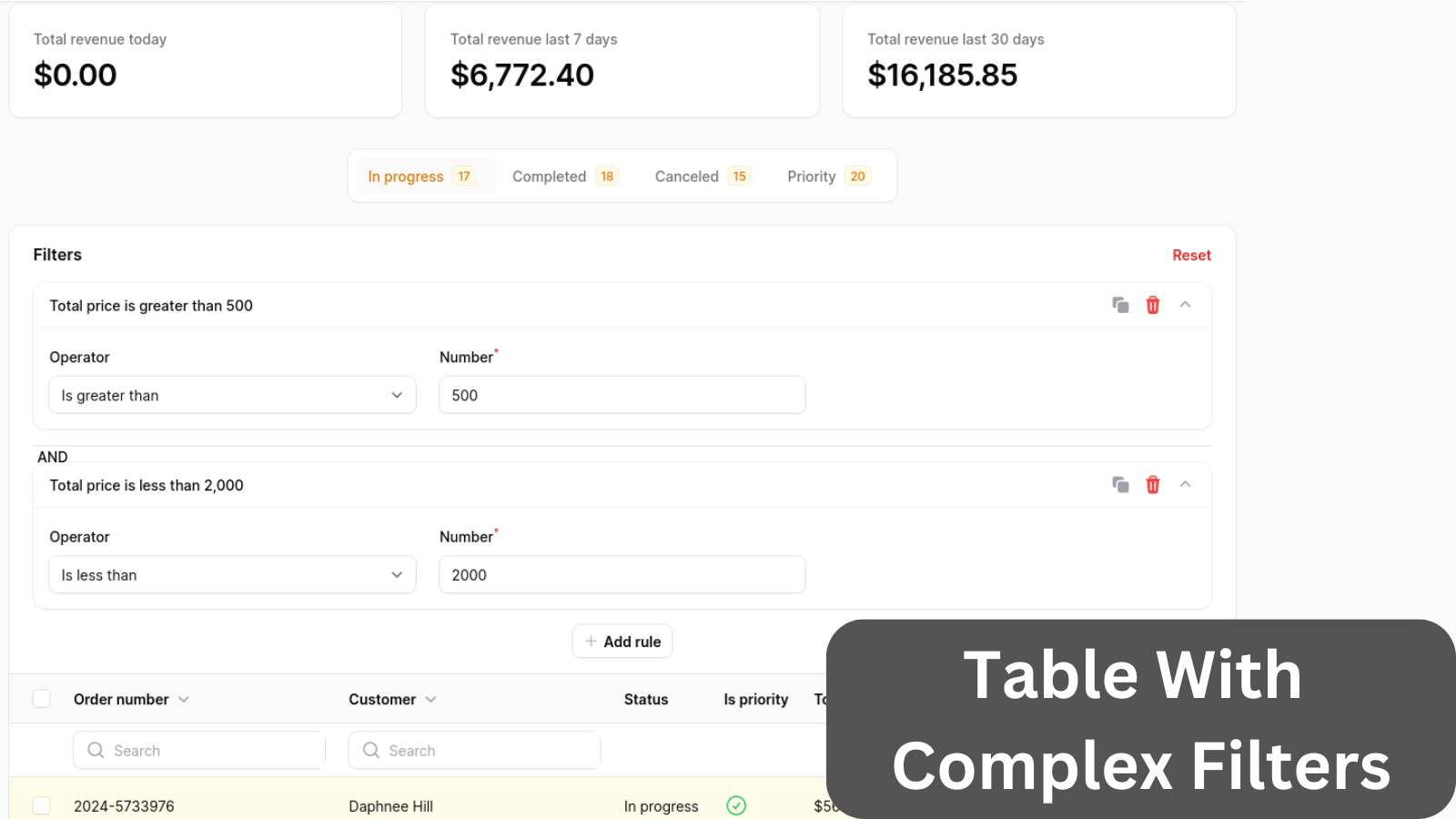
Table with multiple filters on top: comma-separated text input, dropdowns, and their layout.
Get the Source Code:
Only This Example
One-time payment
 Sign in with GitHub to buy
Sign in first, then complete your $9 checkout.
FilamentExamples Membership
30-day money-back guarantee
How it works
The whole table logic is in the OrderResource Filament Resource.
Table tabs are in the ListOrders class. For every tab, we modify the query based on the order status and show the order count for a particular status. Here is what the code to add tabs looks like:
public function getTabs(): array{ return [ 'in_progress' => Tab::make() ->badge(Order::where('status', OrderStatus::IN_PROGRESS->value)->count()) ->modifyQueryUsing(fn (Builder $query) => $query->where('status', OrderStatus::IN_PROGRESS->value)), 'completed' => Tab::make() ->badge(Order::where('status', OrderStatus::COMPLETED->value)->count()) ->modifyQueryUsing(fn (Builder $query) => $query->where('status', OrderStatus::COMPLETED->value)), 'canceled' => Tab::make() ->badge(Order::where('status', OrderStatus::CANCELED->value)->count()) ->modifyQueryUsing(fn (Builder $query) => $query->where('status', OrderStatus::CANCELED->value)), 'priority' => Tab::make() ->badge(Order::where('is_priority', true)->count()) ->modifyQueryUsing(fn (Builder $query) => $query->where('is_priority', true)), ];}Above the table, we have a widget with three stats cards showing revenue for the current day, the last seven days, and the last 30 days. The widget must be registered in the ListOrders class in the getHeaderWidgets method.
Here is the code how the code for each stats card looks like:
protected function getStats(): array{ return [ Stat::make('Total revenue today', '$' . number_format(Order::whereDate('created_at', now())->sum('total_price') / 100, 2)), // ...Next, we will build all of the remaining filters that you see in the video.