
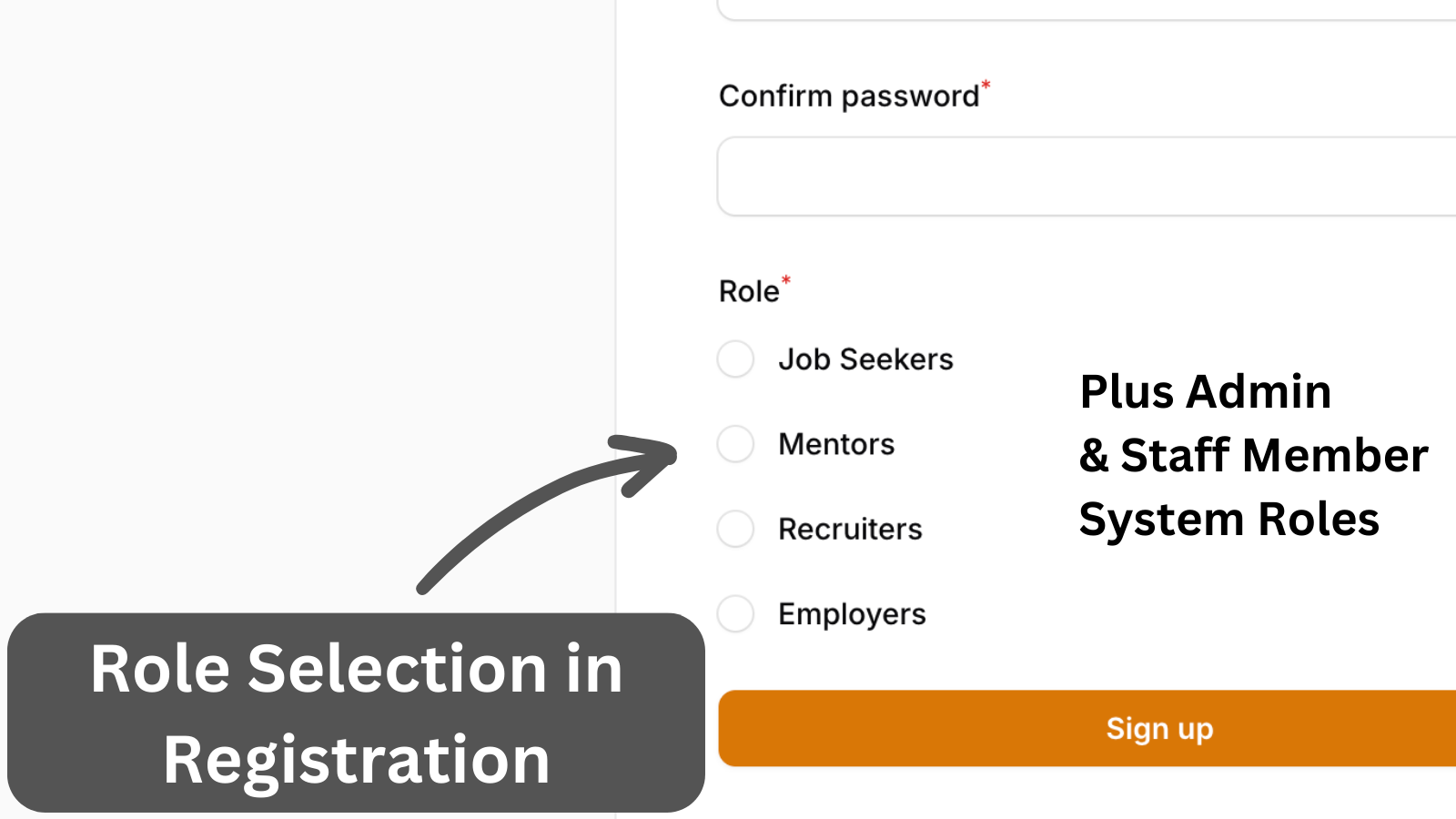
Adding radio select for roles to the registration page and handling simple invitation functionality.
Get the Source Code:
Only This Example
One-time payment
 Sign in with GitHub to buy
Sign in first, then complete your $9 checkout.
FilamentExamples Membership
30-day money-back guarantee
How it works
We start with a roles list in the PHP enum class, as these will be used in Registration:
app/Enum/Role.php:
enum Role: string{ case JOB_SEEKERS = 'Job Seekers'; case MENTORS = 'Mentors'; case RECRUITERS = 'Recruiters'; case EMPLOYERS = 'Employers'; case FUSE_ADMIN = 'Fuse Admin';}Then we create a custom registration page to add a radio select input. From the roles list, we reject the role Fuse Admin.
This Roles radio select is visible only when cookie is_invited isn't set, as users are invited to a specific Role already.
In the mutateFormDataBeforeRegister() method, we handle the invitation when a user registers with the system. Here, we assign the user the Employers role and set the employer_id, which acts as a staff member for the employer.
app/Filament/Pages/Auth/Register.php:
use App\Models\Role;use App\Models\Invitation;use Filament\Schemas\Schema;use Filament\Forms\Components\Radio;use Illuminate\Support\Facades\Session;use Filament\Forms\Components\TextInput;use Filament\Schemas\Components\Component;use Filament\Auth\Pages\Register as BaseRegister; class Register extends BaseRegister{ public function form(Schema $schema): Schema { return $schema ->components([ $this->getNameFormComponent(), $this->getEmailFormComponent(), $this->getPasswordFormComponent(), $this->getPasswordConfirmationFormComponent(), $this->getRoleFormComponent(), ]); } protected function getEmailFormComponent(): Component { return TextInput::make('email') ->label(__('filament-panels::auth/pages/register.form.email.label')) ->default(function (): ?string { if (Session::has('invitation_email')) { return Session::get('invitation_email'); } return null; }) ->email() ->required() ->maxLength(255) ->unique($this->getUserModel()); } protected function getRoleFormComponent(): Component { return Radio::make('role_id') ->options( Role::pluck('name', 'id') ->reject(fn (string $value) => $value === \App\Enum\Role::FUSE_ADMIN->value) ) ->exists('roles', 'id') ->label('Role') ->hidden(fn () => Session::has('invitation_email')) ->required(); } protected function mutateFormDataBeforeRegister(array $data): array { if (Session::has('invitation_email')) { $data['role_id'] = Role::where('name', \App\Enum\Role::EMPLOYERS->value)->first()->id; if ($invitation = Invitation::where('email', $data['email'])->firstOrFail()) { $data['employer_id'] = $invitation->employer_id; $invitation->delete(); Session::put('banner', __('Great! You have accepted the invitation to join as the :employer employer.', ['employer' => $invitation->employer->name])); Session::forget('invitation_email'); } } return $data; }}Registration must be enabled in the panel provider, and a custom registration page must be set.