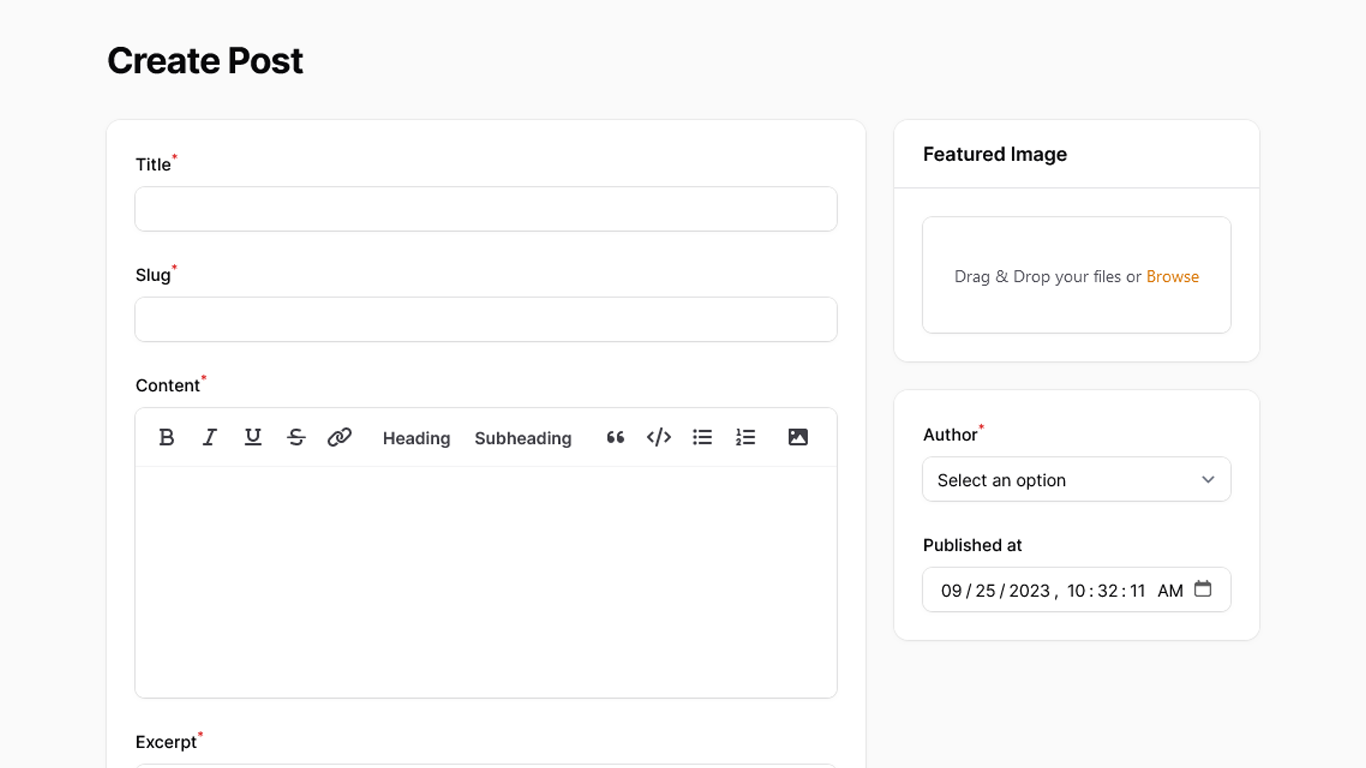
A demonstration of creating a simple blog with posts, categories, tags, and author management in the admin panel, including the ZenBlog front-end theme.
Get the Source Code:
Only This Example
$9
One-time payment
Full source code for CMS with Blog Front-end Theme
Downloadable ZIP file with the source code
Lifetime access to this example
 Sign in with GitHub to buy
Sign in first, then complete your $9 checkout.
Best value — all 177 examples
View membership plans
FilamentExamples Membership
$99
/year
or
$199
lifetime
Access to code of all 177 examples
Future new examples and updates included
FilaCheck Pro package licence included
MCP server included
30-day money-back guarantee
How it works
The main logic here is split into two parts - one for Filament and another for a custom user-facing design:
- Filament
- Basic Categories, Tags management
- Users resource with an avatar field
- Post management with a WYSIWYG editor
- Post excerpt generation with a custom
excerptfield and an action - Post slug support with automatic generation
- Multi-tag support for posts
- Featured image upload with dimension validation
- User Facing Design - Blog
- We have a list of blog posts
- There is an ability to filter out blog posts by categories
- There is a single post-preview
- Single post preview supports embedded images and HTML content from the Filament editor
- There is an author display on the single post preview
Here's what that looks like in our code:
app/Filament/Resources/Users/Schemas/UserForm.php
public static function form(Form $form): Form{ public static function configure(Schema $schema): Schema { return $schema ->components([ TextInput::make('name') ->required() ->maxLength(255), TextInput::make('email') ->email() ->required() ->maxLength(255), DateTimePicker::make('email_verified_at'), TextInput::make('password') ->password() ->required() ->maxLength(255), // Instead of normal FileUpload, we use SpatieMediaLibraryFileUpload component SpatieMediaLibraryFileUpload::make('featured_image') // We want to validate the field in real-time, so we use the `live()` method ->live() // Tells the field that it has to be an image ->image() ->hiddenLabel() // We tell which collection we want to use ->collection('avatar') // Enabling the image editor ->imageEditor() // Defining the image rules ->rules(Rule::dimensions()->maxWidth(600)->maxHeight(800)) // After the image is uploaded, we want to validate it ->afterStateUpdated(function (Livewire $livewire, SpatieMediaLibraryFileUpload $component) { $livewire->validateOnly($component->getStatePath()); }), ]); }}
The FULL tutorial is available after the purchase: in the Readme file of the official
repository you would get invited to.