
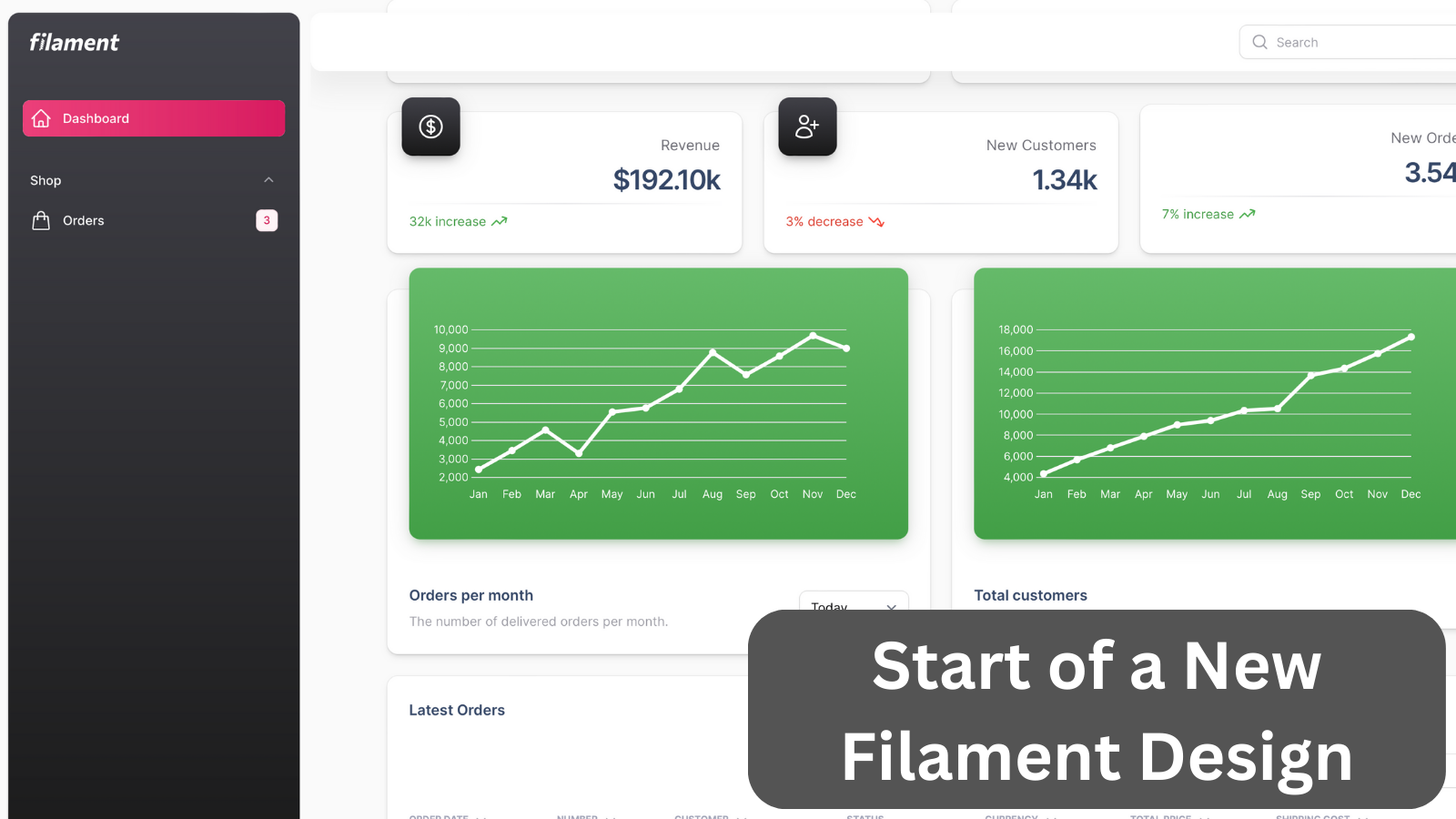
This example shows you how to customize Filament visually, adding your own custom theme based on the Material Design.
Get the Source Code:
Only This Example
One-time payment
 Sign in with GitHub to buy
Sign in first, then complete your $9 checkout.
FilamentExamples Membership
30-day money-back guarantee
How it works
The inspiration for this theme is Material Dashboard 2 by Creative Tim, see its demo here.
The first thing to do is to create a new theme for the Filament using a command:
php artisan make:filament-themeThen we have to modify our vite.config.js to include the new theme file into built assets:
vite.config.js:
import {defineConfig} from 'vite';import laravel from 'laravel-vite-plugin'; export default defineConfig({ plugins: [ laravel({ input: ['resources/css/app.css', 'resources/js/app.js', 'resources/css/filament/admin/theme.css'], refresh: true, }), ],});And of course, we have to register the theme in Filament Panel Provider:
app/Providers/Filament/AdminPanelProvider.php:
class AdminPanelProvider extends PanelProvider{ public function panel(Panel $panel): Panel { return $panel // ... ->authMiddleware([ Authenticate::class, ]) ->viteTheme('resources/css/filament/admin/theme.css'); }}