
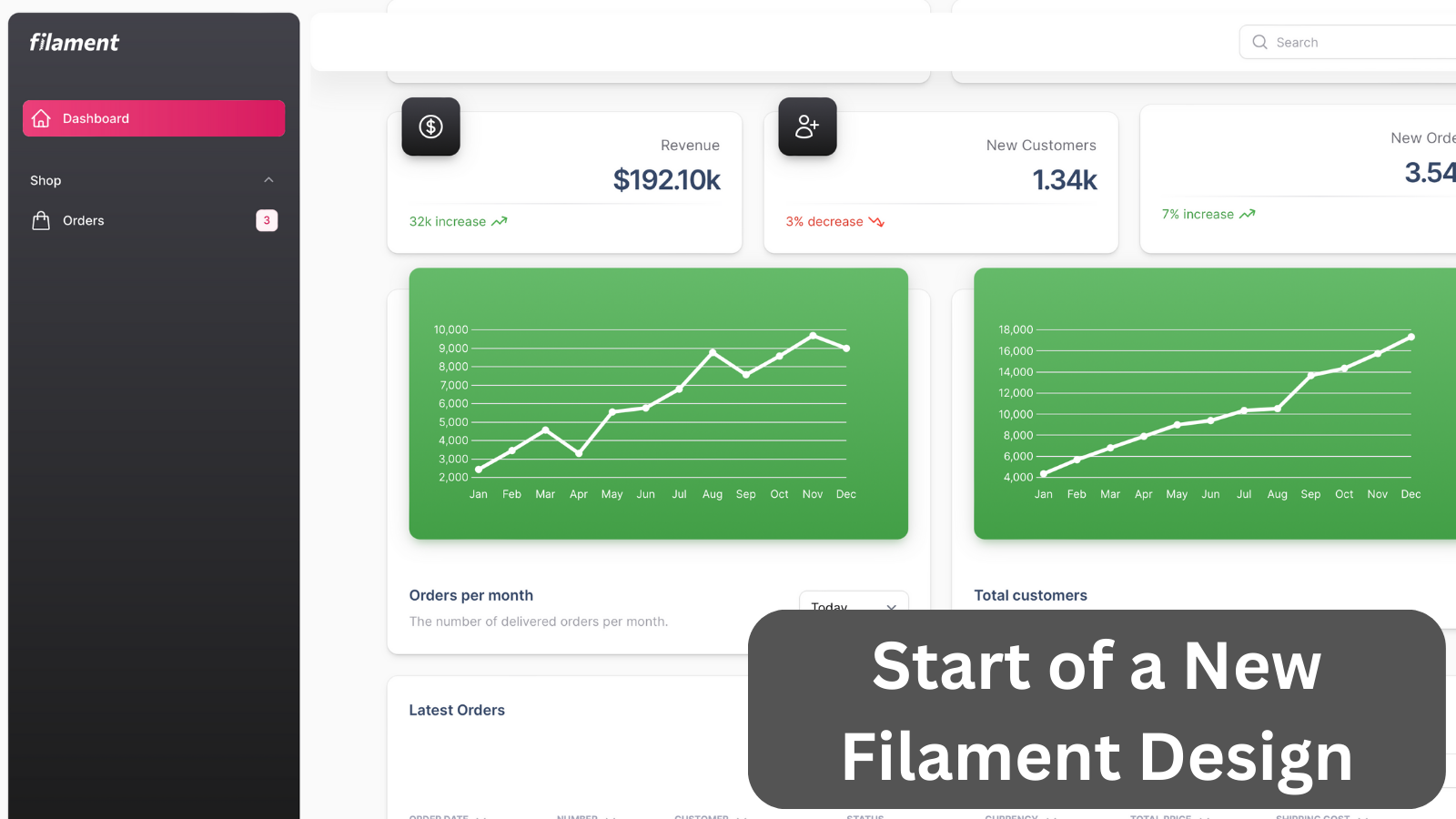
This project provides an example of style customization through custom theme configuration.
Get the Source Code:
Only This Example
One-time payment
 Sign in with GitHub to buy
Sign in first, then complete your $9 checkout.
FilamentExamples Membership
30-day money-back guarantee
How it works
DISCLAIMER: In the end, this theme still needs to be completed and needs more work.
The inspiration for this theme is Material Dashboard 2 by Creative Tim.
The first thing to do is to create a new theme for the Filament using a command:
php artisan make:filament-themeThen we have to modify our vite.config.js to include the new theme file into built assets:
vite.config.js:
import { defineConfig } from 'vite';import laravel from 'laravel-vite-plugin';import tailwindcss from '@tailwindcss/vite'; export default defineConfig({ plugins: [ laravel({ input: ['resources/css/app.css', 'resources/js/app.js', 'resources/css/filament/admin/theme.css'], refresh: true, }), tailwindcss(), ],});And of course, we have to register the theme in Filament Panel Provider:
app/Providers/Filament/AdminPanelProvider.php:
class AdminPanelProvider extends PanelProvider{ public function panel(Panel $panel): Panel { return $panel // ... ->authMiddleware([ Authenticate::class, ]) ->viteTheme('resources/css/filament/admin/theme.css'); }}To make our lives easier we register colors for the Filament based on the original themes colors before doing anything else:
app/Providers/Filament/AdminPanelProvider.php:
class AdminPanelProvider extends PanelProvider{ public function panel(Panel $panel): Panel { return $panel ->default() ->id('admin') ->path('admin') ->login() ->colors([ 'primary' => Color::Amber, 'primary' => '#e91e63', 'secondary' => '#7b809a', 'info' => '#03a9f4', 'success' => '#4caf50', 'warning' => '#fb8c00', 'danger' => '#f44335', ]) // ... }}