
Reusable Filament Wizard Steps for Invoice Creation
Filament 4/5A multi-step invoice creation wizard built with Filament, where each step is defined once in a central factory and reused across a standalone create page and a Quick Invoice modal.
Get the Source Code:
Only This Example
One-time payment
 Sign in with GitHub to buy
Sign in first, then complete your $9 checkout.
FilamentExamples Membership
30-day money-back guarantee
How it works
This project demonstrates how to build a multi-step invoice wizard in Filament whose steps are defined once in a central step factory and then reused across two different contexts: the standalone invoice create page and a Quick Invoice action launched directly from the customer edit page. It also showcases shared form components — customer/vehicle selects and labour/parts repeaters — exposed as static factories so the same fragments power the wizard, the action, and the standard edit form.
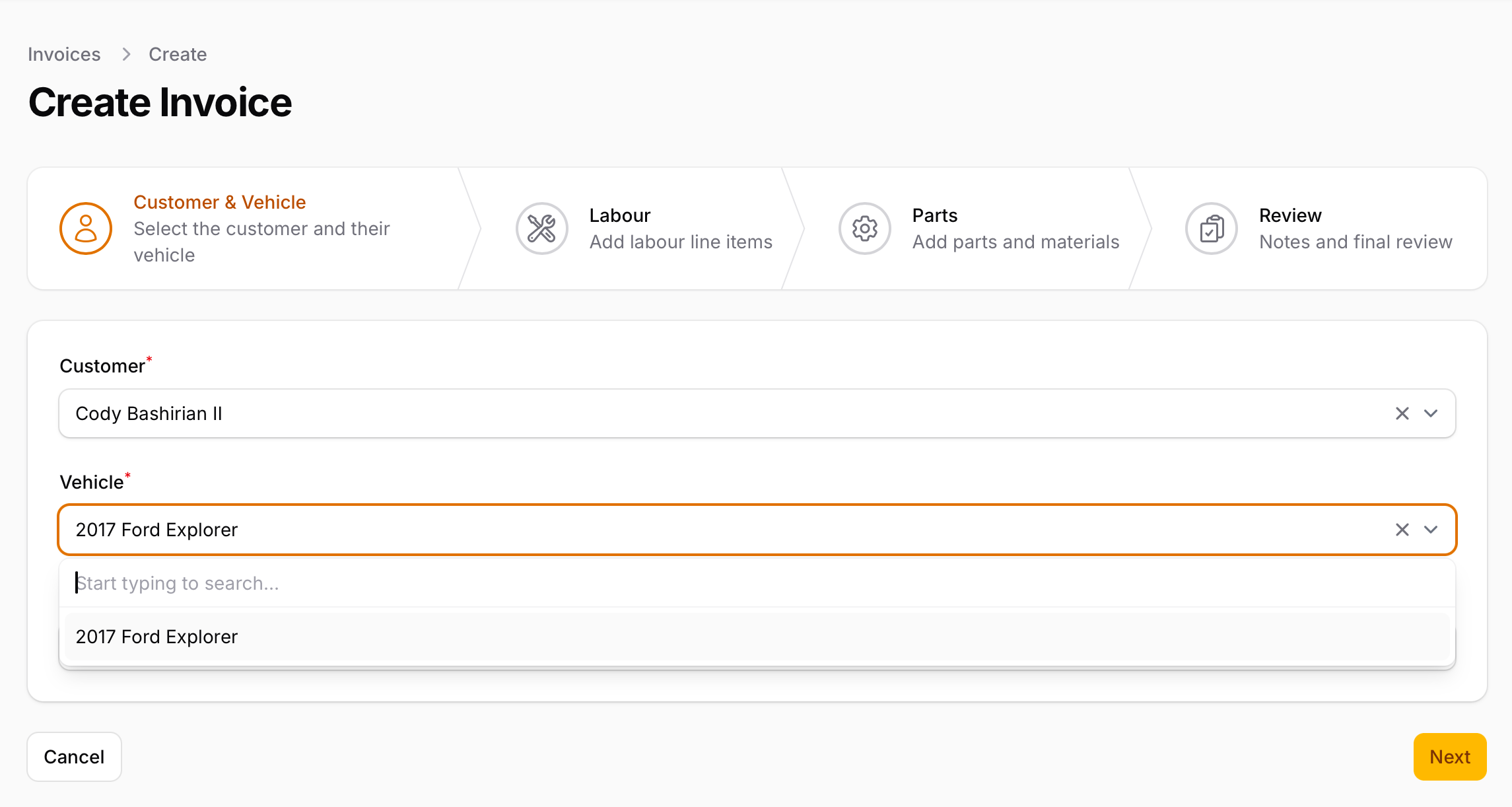
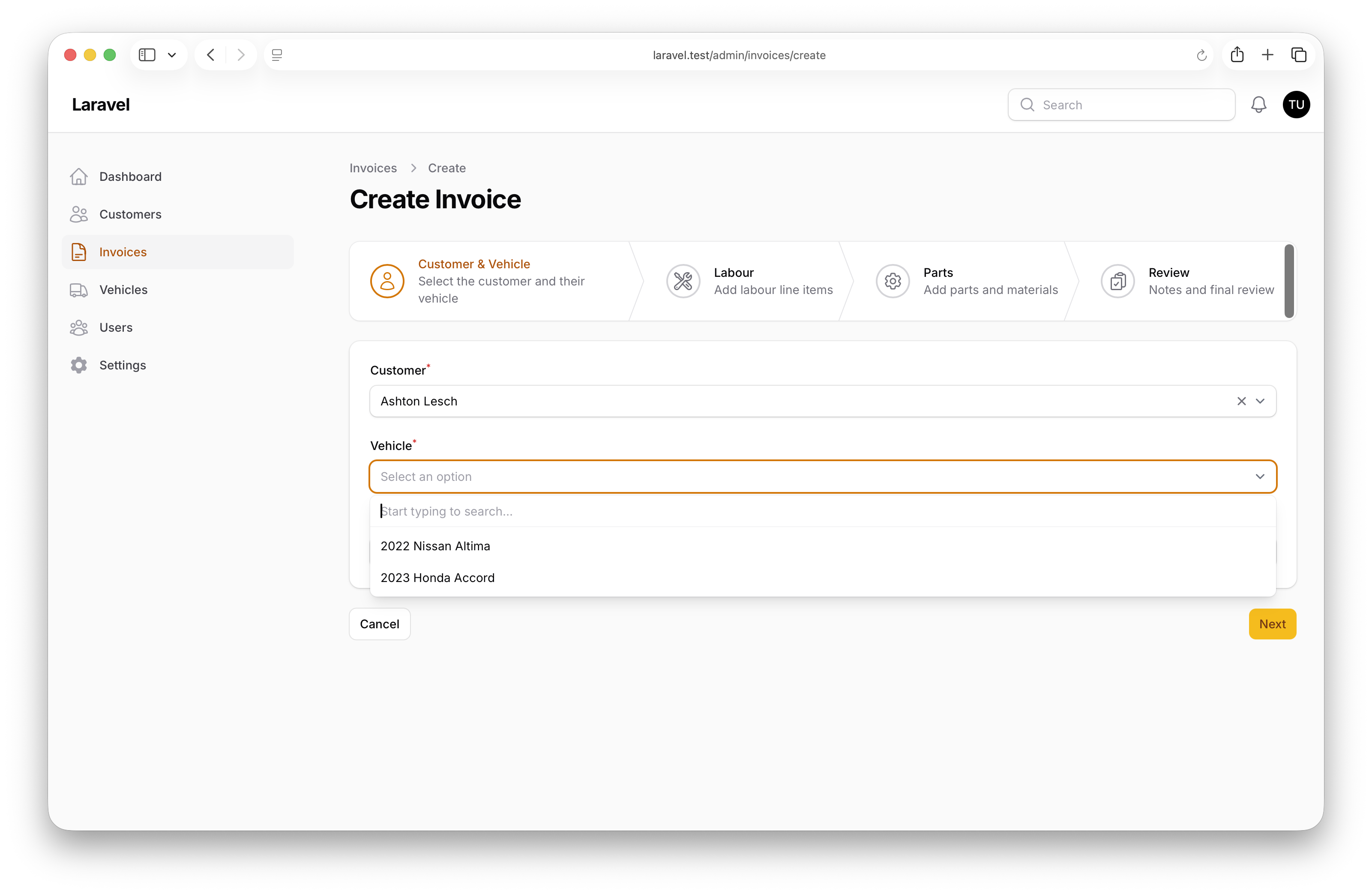
- Multi-step invoice creation wizard (Customer & Vehicle → Labour → Parts → Review)
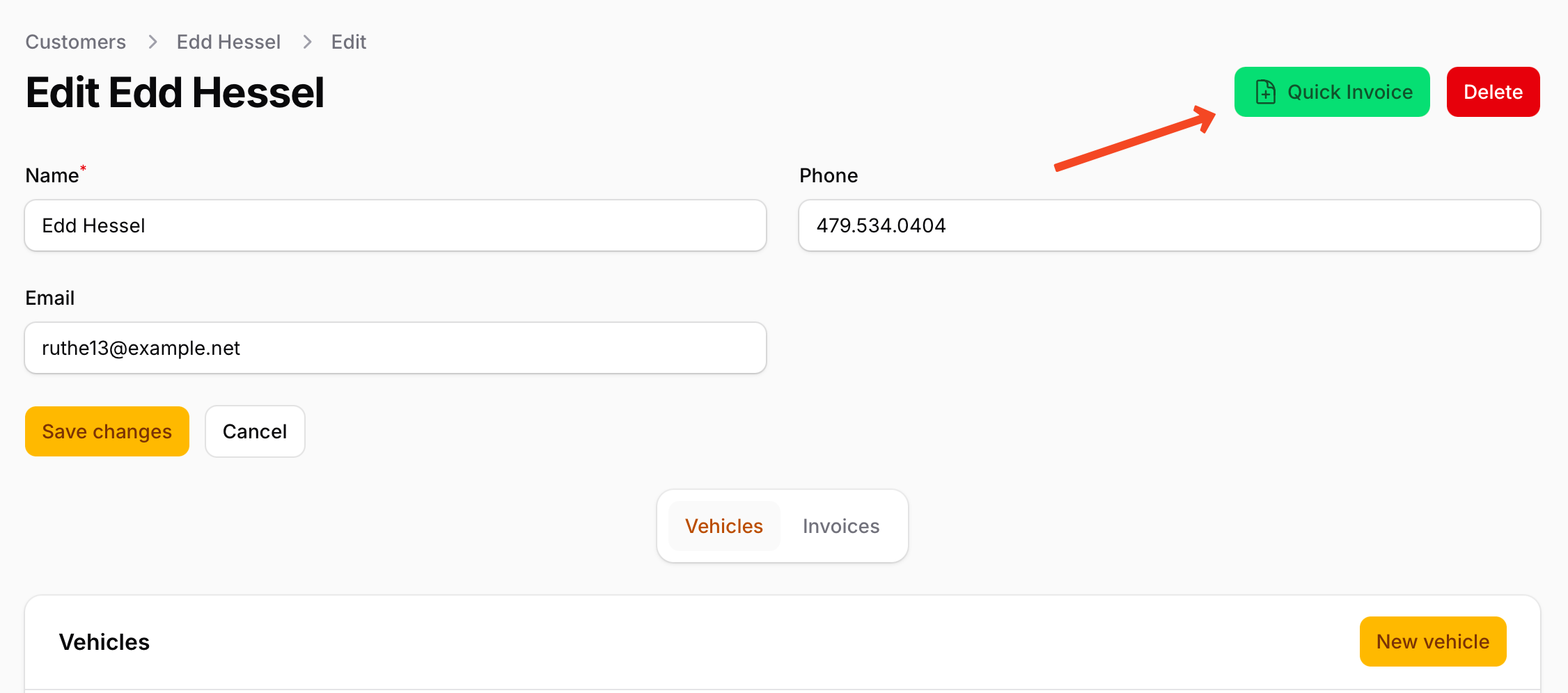
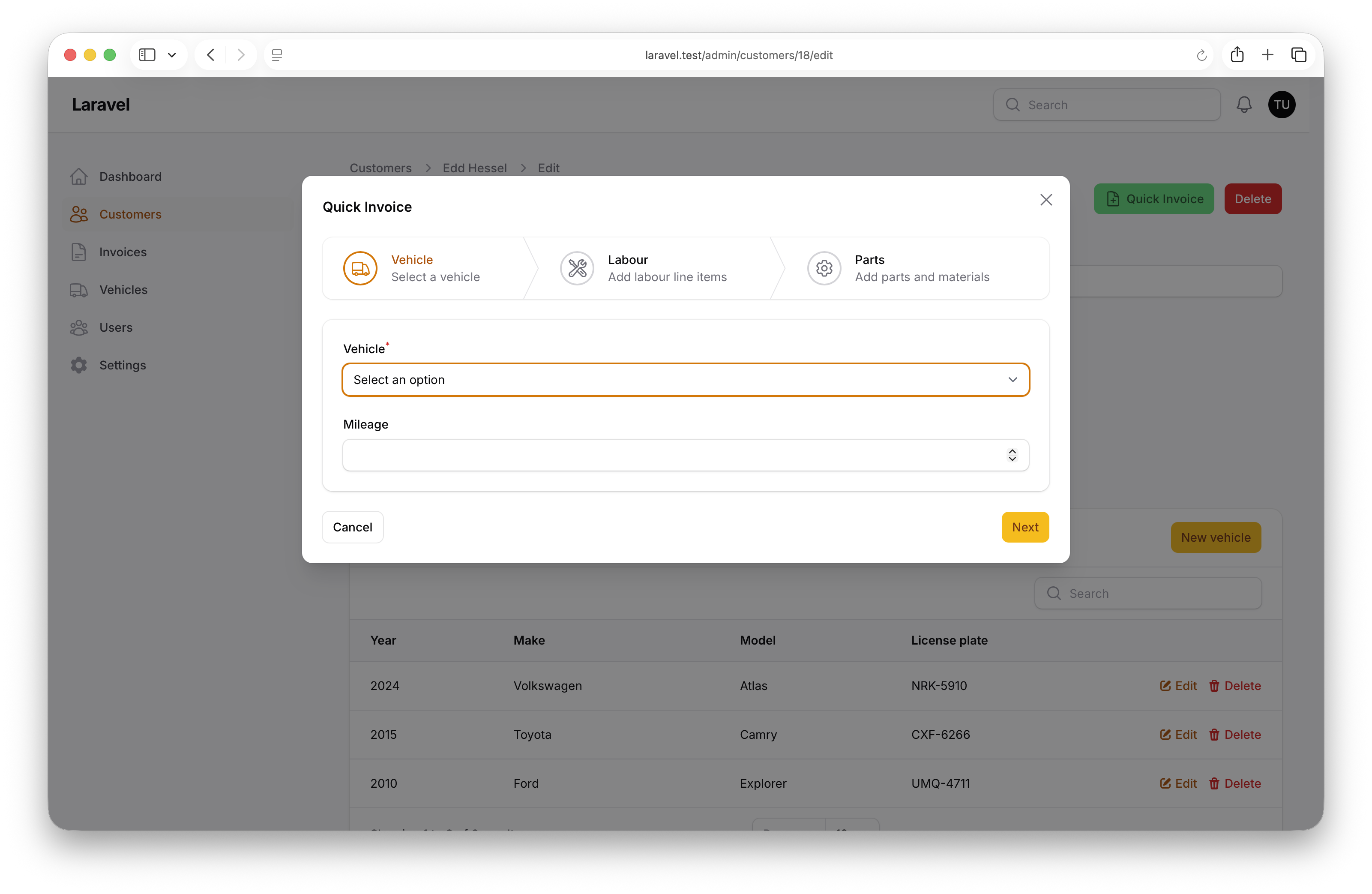
- Quick Invoice modal wizard from the customer edit page (Vehicle → Labour → Parts)
- Shared step factory class so each step is defined once and reused in multiple contexts
- Reusable form field & repeater factories with an optional relationship-binding toggle
- Auto-stamped tax rate and default hourly rate pulled from the
Settingmodel
The repository contains the complete Laravel + Filament project to demonstrate the functionality, including migrations/seeds for the demo data.
The Filament project is in the app/Filament folder.
Feel free to pick the parts that you actually need in your projects.
How to install
- Clone the repository with
git clone - Copy the
.env.examplefile to.envand edit database credentials there - Run
composer install - Run
php artisan key:generate - Run
php artisan storage:link - Run
php artisan migrate --seed(it has some seeded data for your testing) - That's it: launch the URL
/adminand log in with credentials[email protected]andpassword.
Screenshots
How It Works
This project consists of four pieces working together: a central wizard step factory, a standalone create page that consumes it, a Quick Invoice action that reuses the same steps inside a modal, and a shared form helper class that supplies fields and repeaters to both flows.
1. InvoiceWizardSteps — The Central Step Factory
The InvoiceWizardSteps class exposes every wizard step as a static factory method returning a Step instance. Defining the steps in one place is what makes it possible to reuse them in completely different contexts without duplicating field definitions.
app/Filament/Resources/Invoices/Schemas/InvoiceWizardSteps.php
class InvoiceWizardSteps{ public static function getCustomerVehicleStep(): Step { return Step::make('Customer & Vehicle') ->description('Select the customer and their vehicle') ->icon(Heroicon::OutlinedUser) ->schema([ Section::make() ->schema([ InvoiceForm::getCustomerField()->columnSpanFull(), InvoiceForm::getVehicleField()->columnSpanFull(), TextInput::make('mileage')->numeric()->minValue(0), Hidden::make('tax_rate') ->default(fn () => Setting::get('tax_rate', '5.00')), Hidden::make('default_hourly_rate') ->default(fn () => Setting::get('default_hourly_rate', '95.00')), ]), ]) ->columnSpanFull(); } public static function getVehicleStep(Customer|Model $customer): Step { return Step::make('Vehicle') ->description('Select a vehicle') ->icon(Heroicon::OutlinedTruck) ->schema([ Section::make()->schema([ Select::make('vehicle_id') ->label('Vehicle') ->required() ->options(fn () => $customer->vehicles->mapWithKeys( fn (Vehicle $v) => [$v->id => trim("{$v->year} {$v->make} {$v->model}")] )) ->default(fn () => $customer->vehicles->count() === 1 ? $customer->vehicles->first()->id : null), TextInput::make('mileage')->numeric()->minValue(0), ]), ]); } public static function getLabourStep(bool $withRelationship = true): Step { /* ... */ } public static function getPartsStep(bool $withRelationship = true): Step { /* ... */ } public static function getReviewStep(): Step { /* ... */ }}The key points:
- Each step is a static factory returning a
Stepinstance — pure construction, no state, safe to call from anywhere getCustomerVehicleStep()is the full picker used by the standalone create page;getVehicleStep(Customer $customer)is a slimmer variant for contexts where the customer is already known — it skips the customer select entirely and pre-selects the vehicle when the customer owns exactly onegetLabourStep()andgetPartsStep()accept abool $withRelationship = trueparameter so the same step definition works in two very different worlds — relationship-bound wizards that auto-persist child rows, and action modals where no parent record exists yetgetReviewStep()usesTextEntryinfolist entries withstate(fn (Get $get) => …)to render a live summary of the wizard state collected in the previous steps, so the user gets a final confirmation screen without re-querying anything- Hidden
tax_rateanddefault_hourly_ratefields seed the form from theSettingmodel so the labour repeater's per-row default rate can pull from the parent form state below
2. CreateInvoice — Full Wizard via HasWizard
The standalone create page uses Filament's HasWizard trait and lists the four steps in getSteps(). There is no inline step construction — every step comes straight from the factory.