
Privacy Mode Toggle for Blurring Sensitive Data
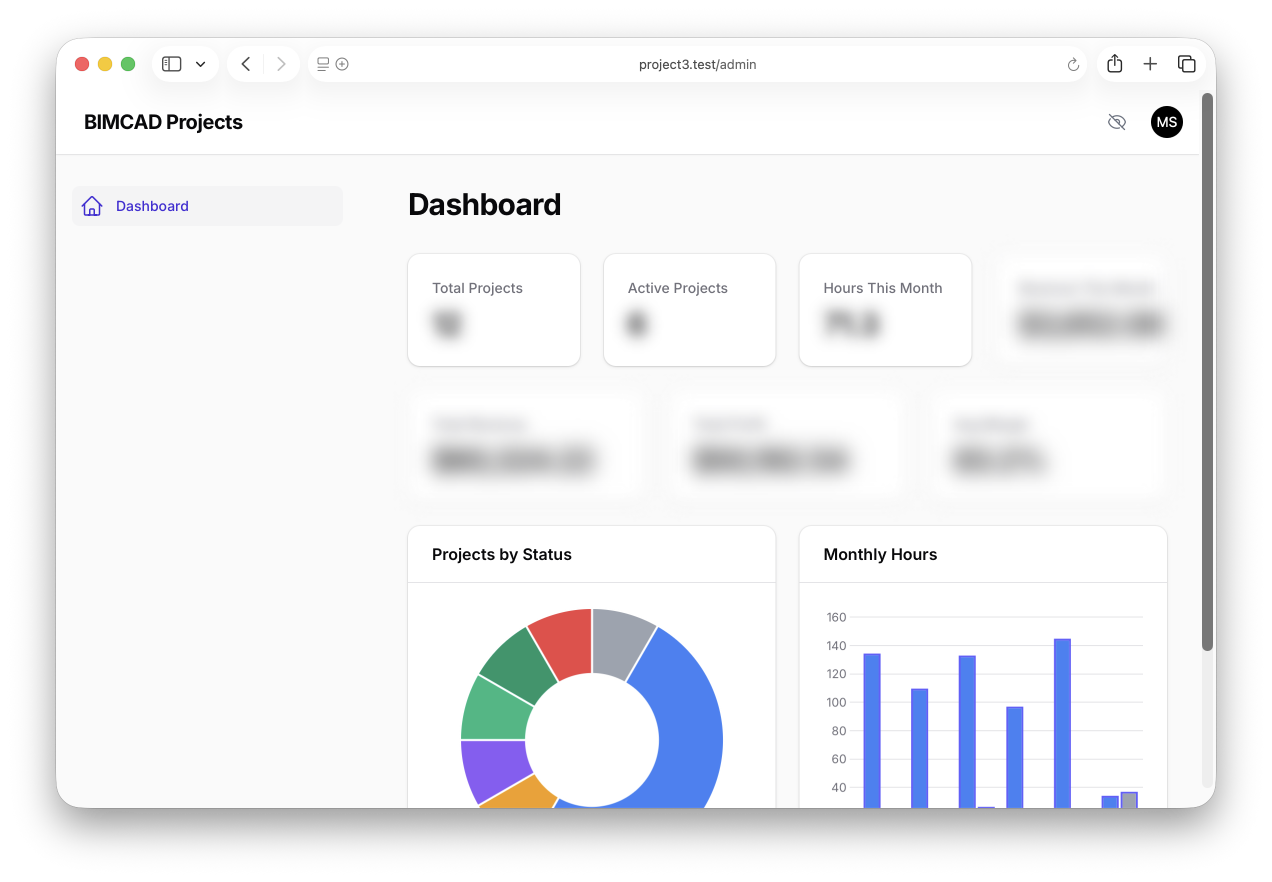
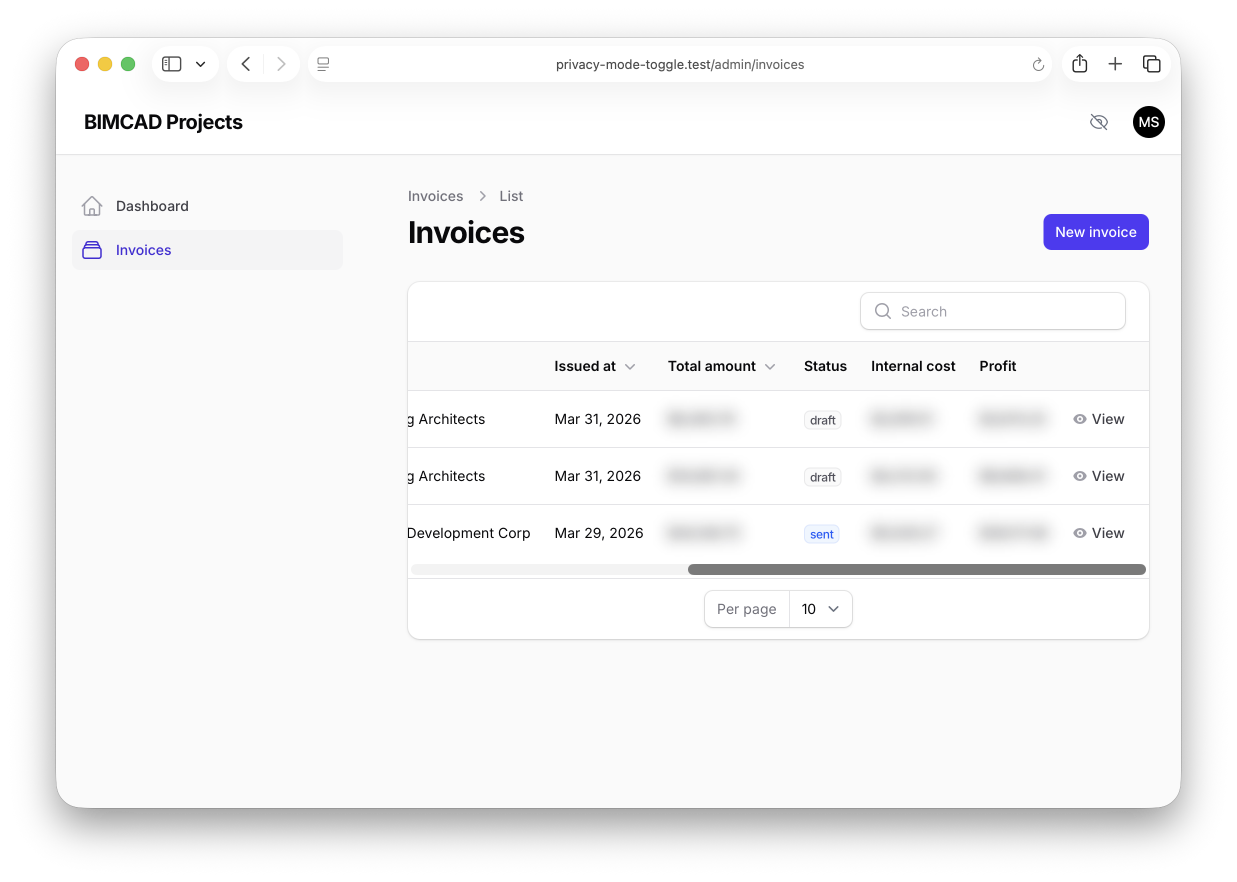
Filament 4/5A privacy mode toggle for a Filament admin panel that blurs sensitive dashboard numbers with a single click — useful when screen-sharing before revealing revenue figures to a client.
Get the Source Code:
Only This Example
One-time payment
 Sign in with GitHub to buy
Sign in first, then complete your $9 checkout.
FilamentExamples Membership
30-day money-back guarantee
How it works
A Filament admin panel with a privacy mode toggle that blurs sensitive numbers across your Filament panel with a single click — useful for screen-sharing without exposing revenue figures. It uses an Alpine.js store persisted in localStorage and a Filament render hook to inject the toggle next to the global search bar, with a body-scoped CSS blur applied to anything tagged as sensitive.
The repository contains the complete Laravel + Filament project to demonstrate the functionality, including migrations/seeds for the demo data.
The Filament project is in the app/Filament folder.
Feel free to pick the parts that you actually need in your projects.
How to install
- Clone the repository with
git clone - Copy the
.env.examplefile to.envand edit database credentials there - Run
composer install - Run
php artisan key:generate - Run
php artisan storage:link - Run
php artisan migrate --seed(it has some seeded data for your testing) - That's it: launch the URL
/adminand log in with credentials[email protected]andpassword.
Screenshots
How It Works
This project consists of four pieces working together: a body-scoped CSS rule that applies the blur, an Alpine.js store that toggles it, a Blade toggle button rendered via a Filament render hook, and a set of dashboard widgets that opt their sensitive values in.
1. privacy-mode.css — The Blur Rule
The entire blur effect is driven by two CSS selectors, both scoped under a .privacy-mode class that lives on <body>. Turning privacy mode on or off is just a matter of toggling that one class.
resources/css/filament/privacy-mode.css
.privacy-mode .privacy-sensitive { filter: blur(8px); user-select: none; transition: filter 0.3s ease;} .privacy-mode .fi-wi-stats-overview-stat-value { filter: blur(8px); user-select: none; transition: filter 0.3s ease;}The key points:
- The
.privacy-modeclass onbodyscopes everything — nothing is blurred until that class is added, and removing it restores the panel instantly .fi-wi-stats-overview-stat-valueis Filament's built-in class for the large number inside everyStatsOverviewWidgetstat, so this rule blurs every stat value in the panel automatically — no per-widget wiring required.privacy-sensitiveis the opt-in class for anything else — a whole stat card, a table cell, a description line, an infolist entry — giving you fine-grained control when the blanket rule isn't enoughfilter: blur(8px)with a0.3s easetransition makes the toggle feel like a soft fade rather than a hard swap, anduser-select: noneprevents a curious viewer from selecting the blurred text to reveal it
2. privacy-mode.js — The Alpine Store
State lives in a tiny Alpine store registered on alpine:init. The store owns the enabled flag, the localStorage persistence, and the DOM side-effect that adds or removes the .privacy-mode class on document.body.