Pool Stock Inventory Management System
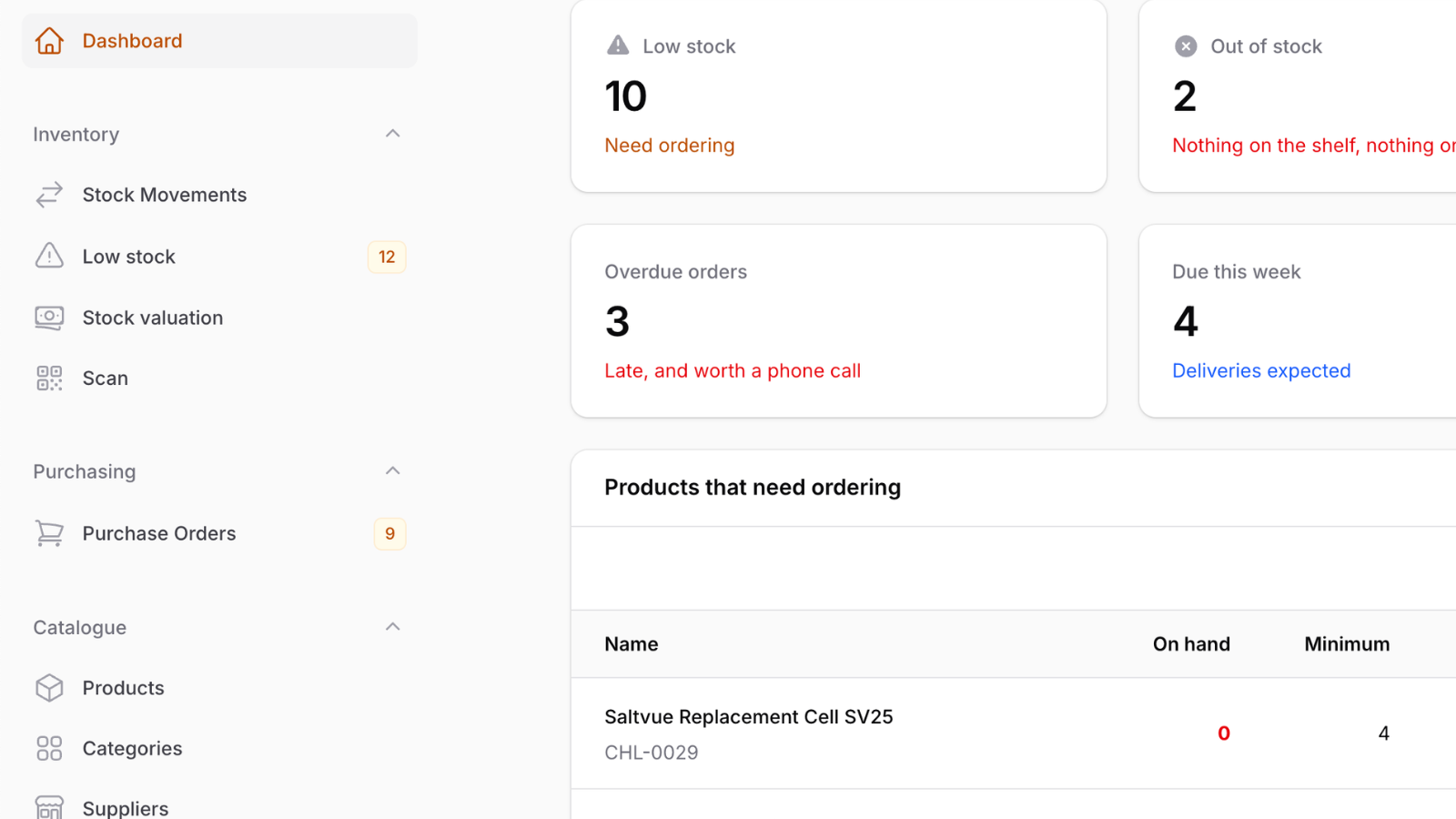
Filament 4/5This project demonstrates an inventory and purchasing system for a pool-supply business with Filament.
Get the Source Code:
Only This Example
One-time payment
 Sign in with GitHub to buy
Sign in first, then complete your $9 checkout.
FilamentExamples Membership
30-day money-back guarantee
How it works
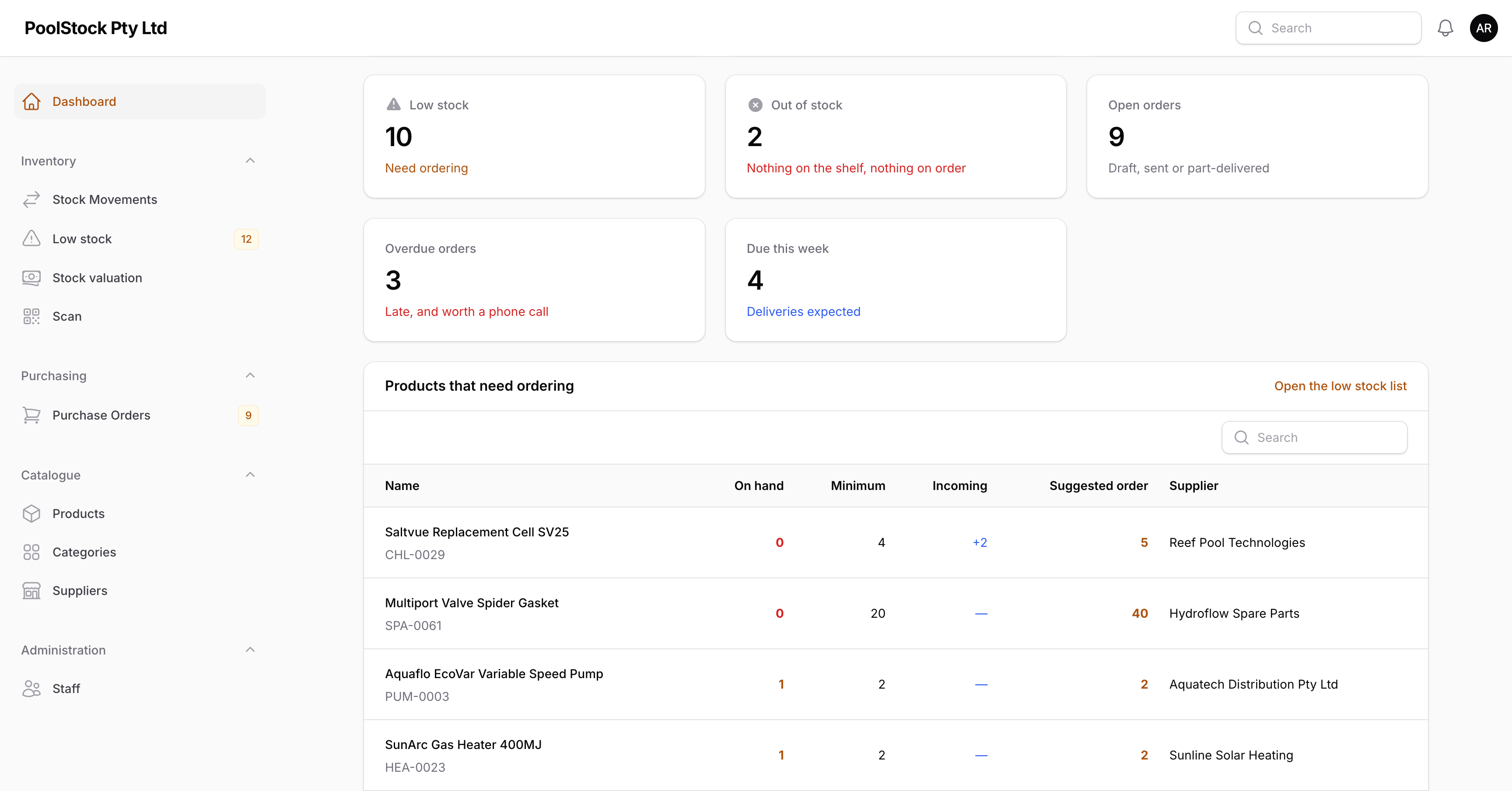
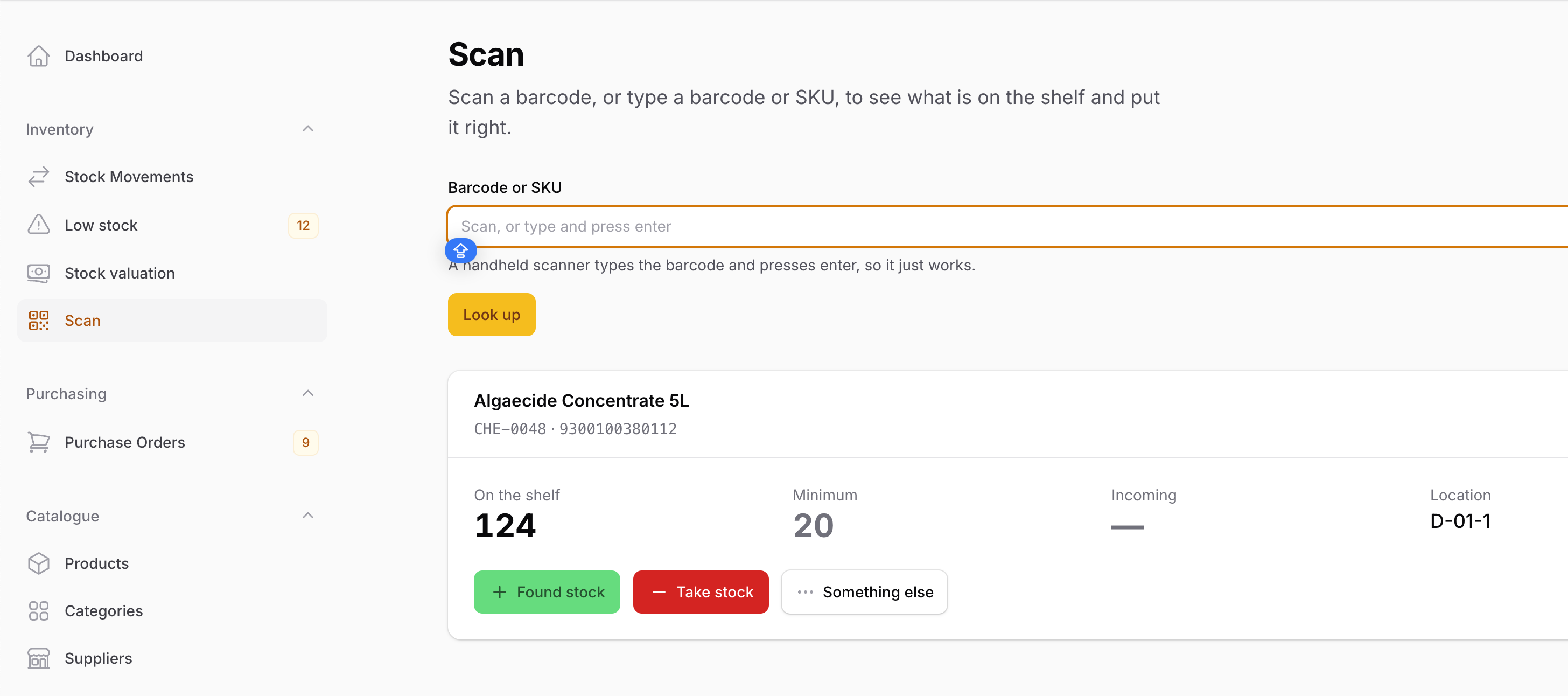
This project demonstrates how to build a complete inventory and purchasing system for a pool-supply business with Filament. It covers the full workflow from maintaining products, categories, and suppliers through stock adjustments, barcode scanning, low-stock alerts, automatic reorder suggestions, purchase orders, partial deliveries, printable shelf labels, inventory valuation, imports, exports, and role-based access.
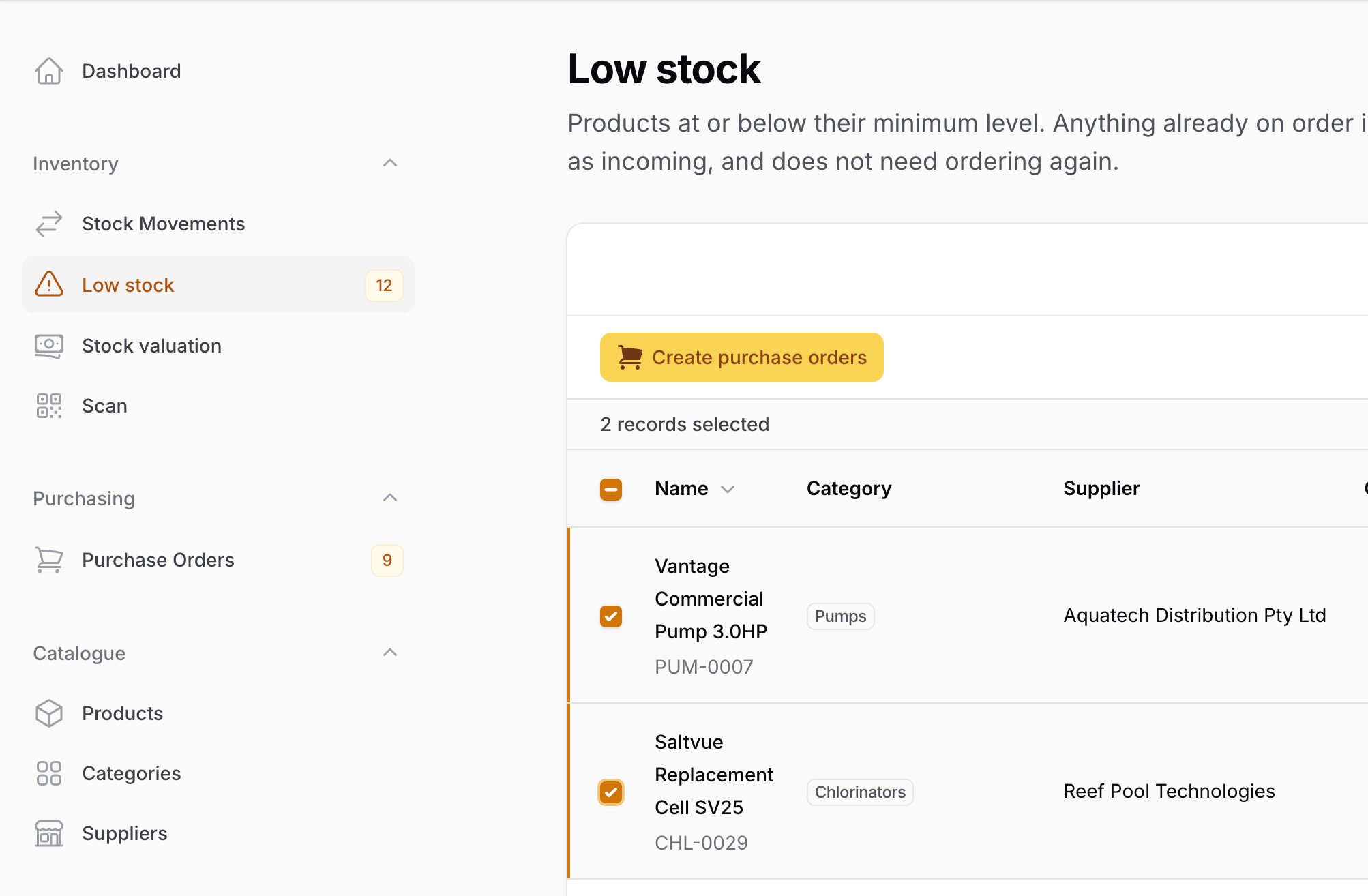
The key idea is that stock is never edited as an isolated number. Every change goes through one transactional action that locks the product, updates its balance, and writes an immutable stock-movement record. The purchasing workflow uses the same action when deliveries arrive, so the quantity on hand and its audit trail cannot drift apart. Low-stock products can then be selected in bulk and grouped into one draft purchase order per preferred supplier.
The repository contains the complete Laravel + Filament project to demonstrate the functionality, including migrations and realistic seeded catalogue, purchasing, delivery, and stock-movement data.
The Filament project is in the app/Filament folder.
Feel free to pick the parts that you actually need in your projects.
How to install
- Clone the repository with
git clone - Copy the
.env.examplefile to.envand edit database credentials there (the default is SQLite) - Run
composer install - Run
php artisan key:generate - Run
php artisan storage:link - Run
php artisan migrate --seed(it seeds products across multiple stock conditions, suppliers, purchase orders, partial deliveries, stock movements, and three user roles) - Run
npm install && npm run build - That's it: launch the URL
/adminand log in with credentials[email protected]andpassword
All seeded accounts share the password password:
| Role | Access | |
|---|---|---|
| Administrator | [email protected] |
Full access, including user management |
| Inventory Manager | [email protected] |
Manages the catalogue, stock, purchasing, imports, and exports |
| Office Staff | [email protected] |
Read-only operational access to products, suppliers, stock history, and purchase orders |
Screenshots
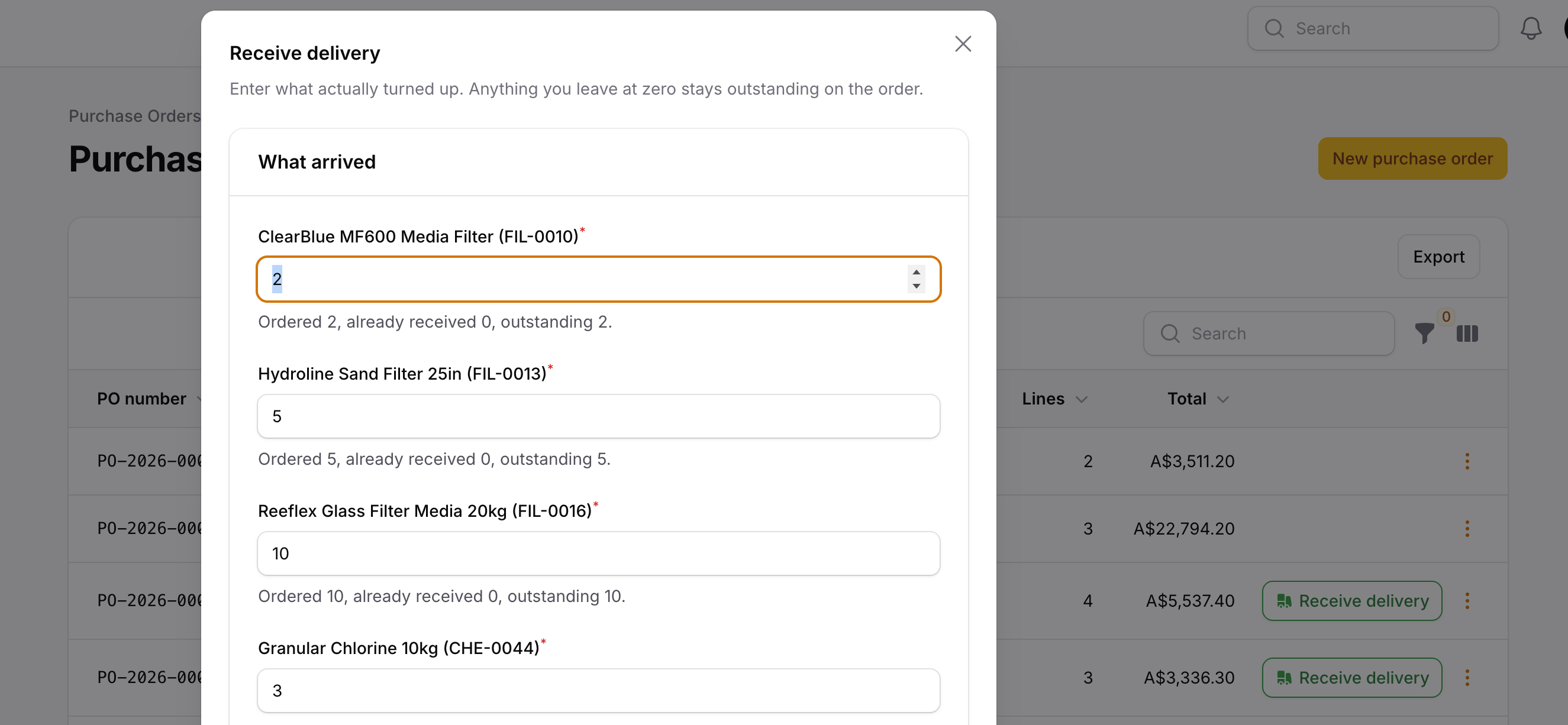
How It Works
The application is organized around one inventory loop: products are stocked and counted, low balances become purchasing work, purchase orders become incoming stock, and received deliveries become audited stock movements. Filament provides the resources, tables, actions, pages, and dashboard, while dedicated action classes own the business rules.
1. Stock Changes — One Transactional Action and an Audit Trail
AdjustProductStock is the only supported way to change products.quantity_on_hand. It normalizes the direction of the movement, locks the product row, rejects negative stock, updates the balance, and creates the matching StockMovement inside the same transaction.
app/Actions/Inventory/AdjustProductStock.php
$movement = DB::transaction(function () use ( $product, $user, $type, $signedQuantity, $reference, $notes, $purchaseOrderItem, $occurredAt,): StockMovement { $locked = Product::query() ->whereKey($product->getKey()) ->lockForUpdate() ->firstOrFail(); $balanceAfter = $locked->quantity_on_hand + $signedQuantity; if ($balanceAfter < 0) { throw StockAdjustmentException::insufficientStock($locked, $signedQuantity); } $locked->forceFill(['quantity_on_hand' => $balanceAfter])->save(); return $locked->stockMovements()->create([ 'user_id' => $user->getKey(), 'purchase_order_item_id' => $purchaseOrderItem?->getKey(), 'type' => $type, 'quantity' => $signedQuantity, 'balance_after' => $balanceAfter, 'reference' => $reference, 'notes' => $notes, 'occurred_at' => $occurredAt ?? now(), ]);});The key points:
- The product row is locked before its balance is calculated, so two...