Multi-Panel Event Meetings Scheduler
Filament 4/5Demo of a few interesting Filament features: separate /admin and /portal panels with re-usable form and table with non-Eloquent data.
Get the Source Code:
Only This Example
One-time payment
 Sign in with GitHub to buy
Sign in first, then complete your $9 checkout.
FilamentExamples Membership
30-day money-back guarantee
How it works
This project demonstrates how to build a meeting scheduler for an industry summit with two Filament panels: an Organizer panel at /admin and a Participant portal at /portal. Sponsor companies and buyer delegates log in to the portal to rank whom they want to meet and mark when they are unavailable. Organizers set up the event, generate a draft schedule, see where contractual meeting minimums could not be met, and fix the gaps by adding, moving, or removing meetings before publishing.
The key idea is that the project goes beyond simple CRUD resources and shows three reusable Filament patterns:
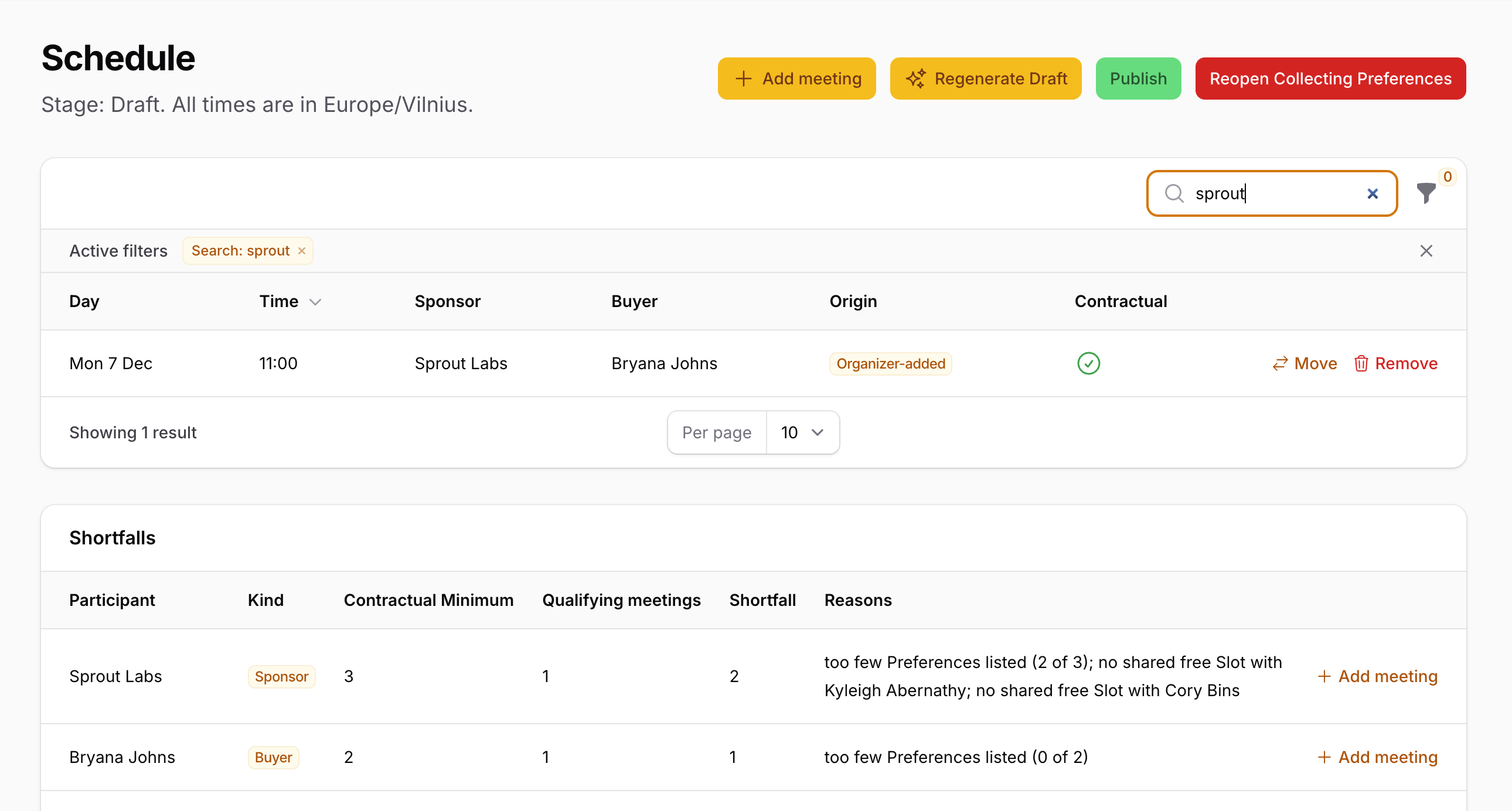
- One form schema shared between two panels: the same ranked Preference list is used on the participant's own portal page and inside the organizer's row action
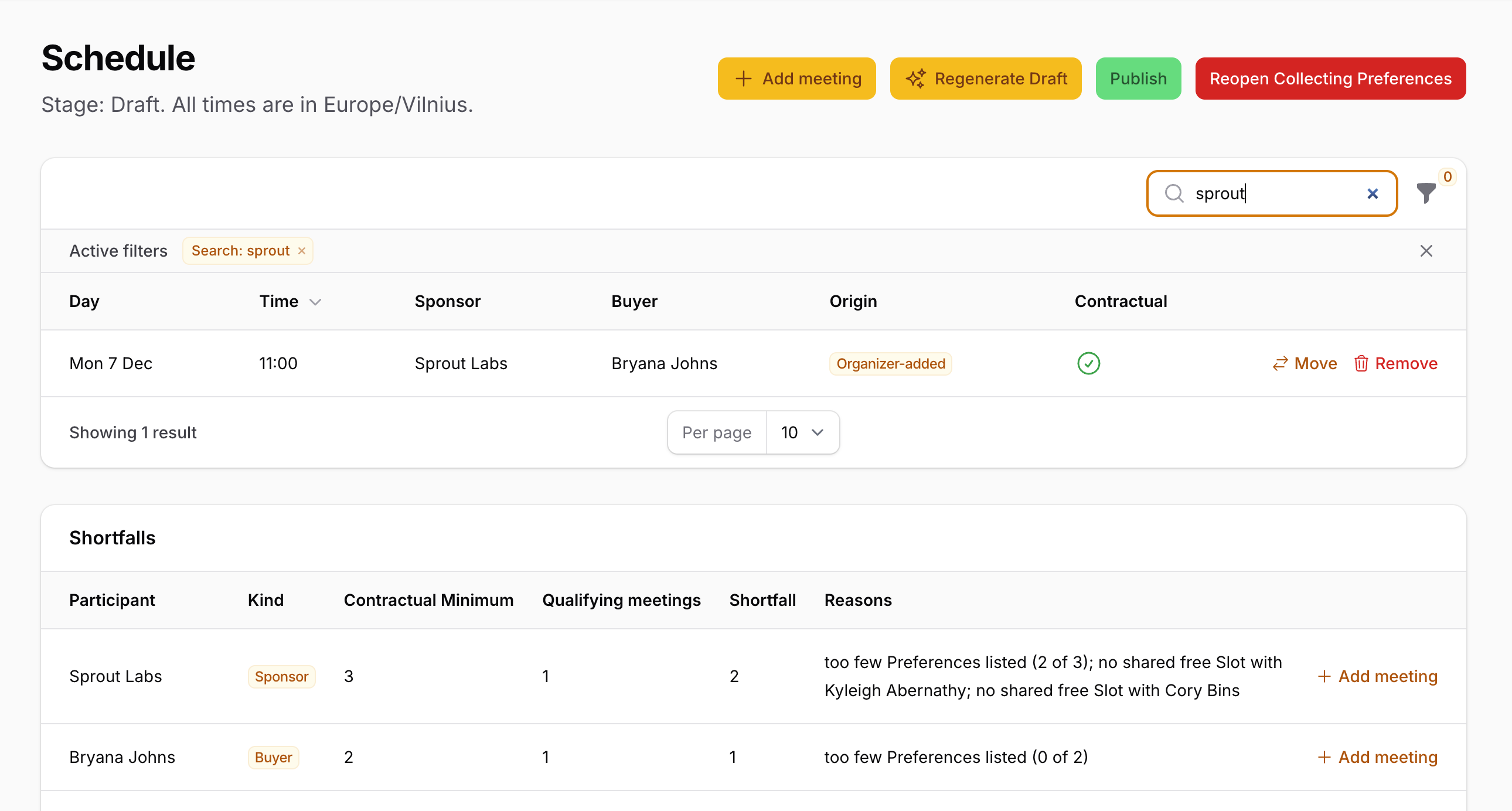
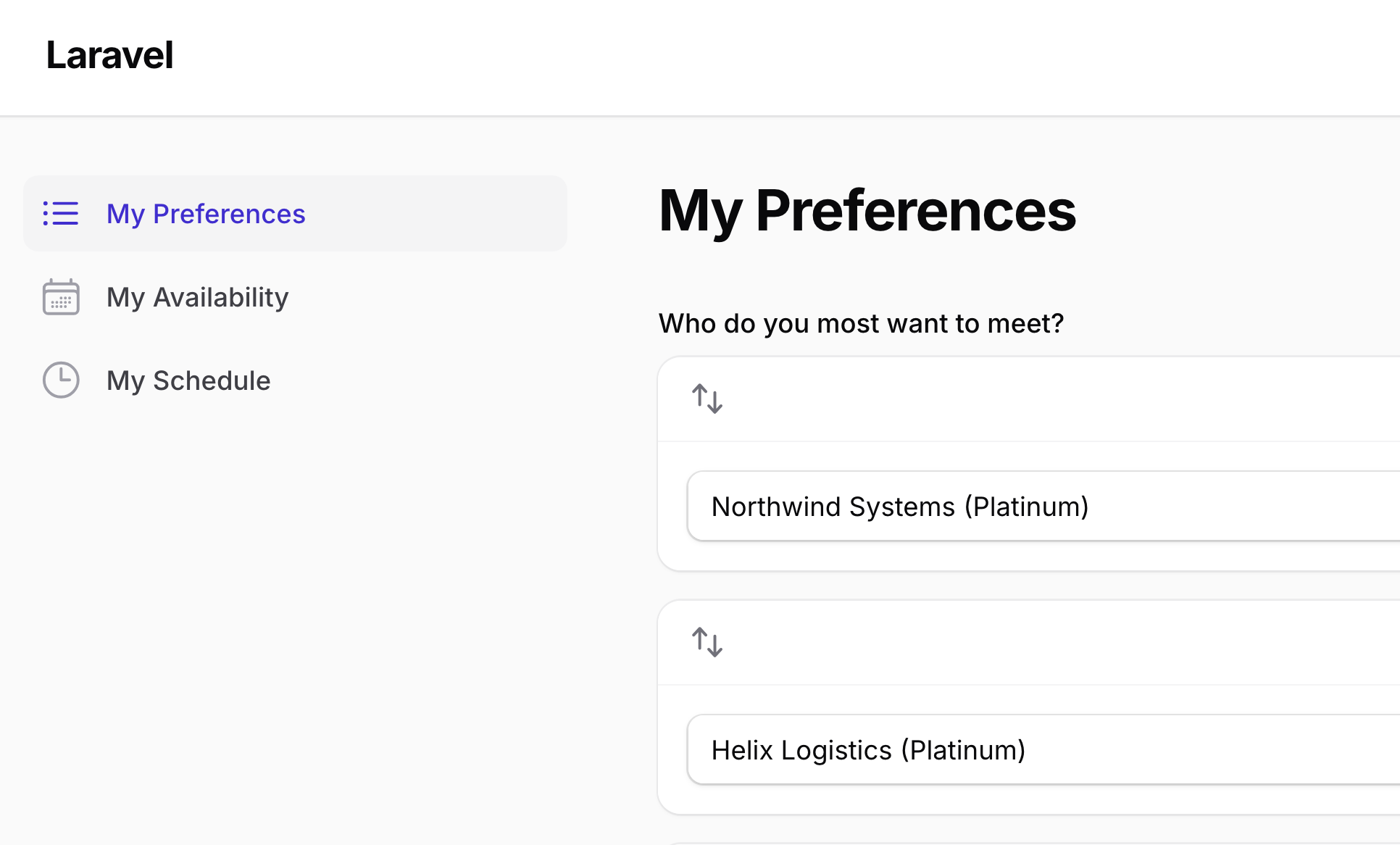
- A table of calculated data, not an Eloquent model: the Shortfalls widget displays a computed report as keyed arrays, with a working row action
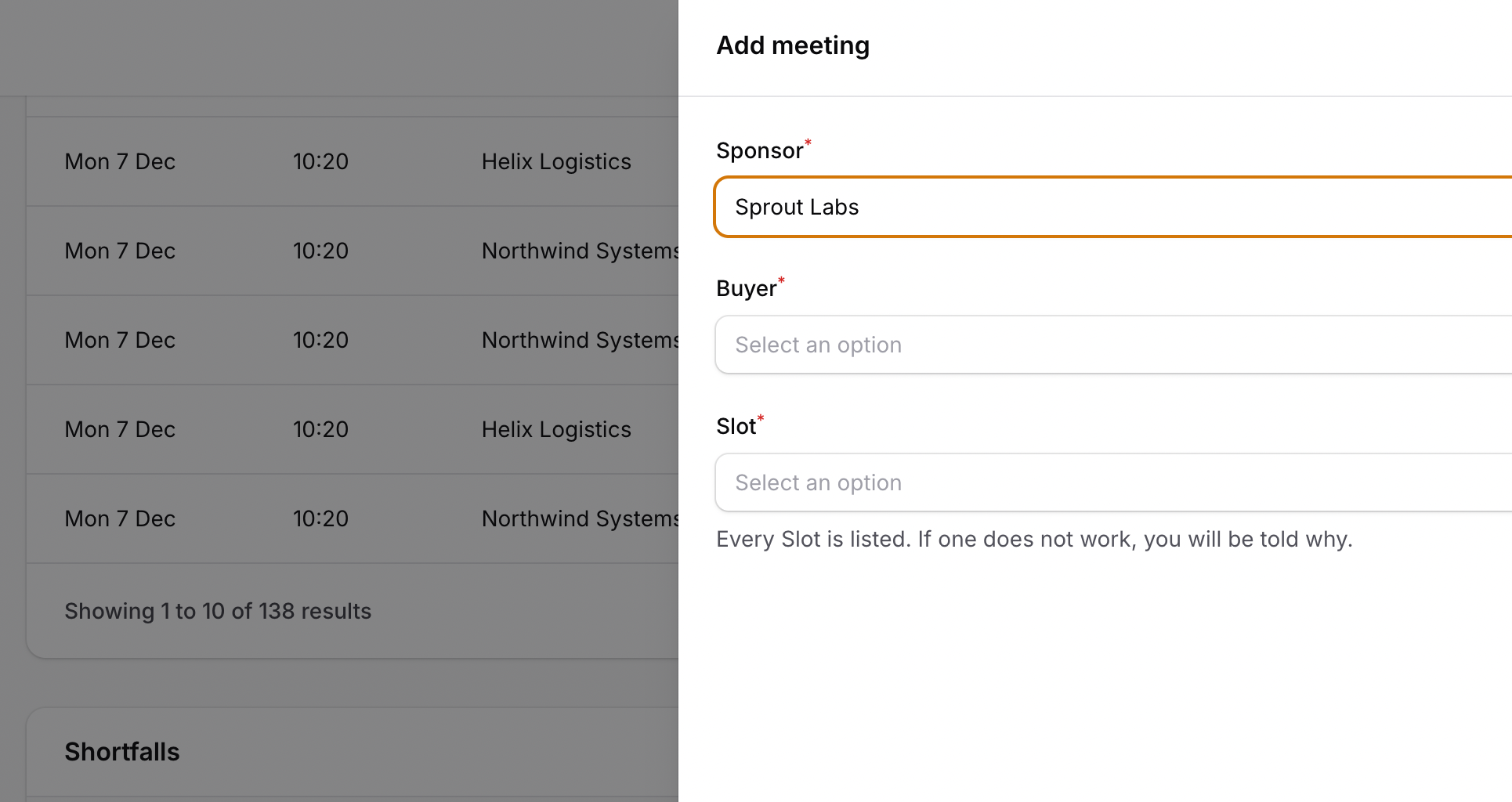
- One action class reused in different contexts: the same "Add meeting" slide-over runs from the Schedule page header and from each Shortfall row, prefilled with that row's data, with business-rule errors shown directly on the form field
The repository contains the complete Laravel + Filament project to demonstrate the functionality, including migrations, a seeded demo summit with sponsors, buyers, tiers, preferences, and availability blocks, and tests for scheduling rules, stage locks, and panel interactions.
The Filament project is in the app/Filament folder.
Feel free to pick the parts that you actually need in your projects.
How to install
- Clone the repository with
git clone - Copy the
.env.examplefile to.envand edit database credentials there (the default is SQLite) - Run
composer install - Run
php artisan key:generate - Run
php artisan migrate --seed(it seeds a two-day event starting next month, 4 sponsor tiers, 10 sponsors, 40 buyers, their preferences, and keynote/lunch/availability blocks) - Run
npm install && npm run build - That's it: launch the URL
/adminand log in as the organizer, or/portalas a participant
All seeded accounts share the password password:
| Role | Panel | |
|---|---|---|
| Organizer | /admin |
[email protected] |
| Buyer | /portal |
[email protected] … [email protected] |
| Sponsor | /portal |
company name as a slug, e.g. [email protected] |
The event is seeded in the Collecting Preferences stage. To see the Schedule and Shortfalls, open Schedule in the organizer panel and click Generate Draft.
Screenshots
How It Works
The event moves through four stages: Setup → Collecting Preferences → Draft → Published. Each stage decides what can change: participants edit preferences only while they are being collected, setup (dates, tiers, limits) locks once a Draft exists, and organizers adjust meetings only in Draft. The scheduling rules live in the app/Scheduling classes. Filament pages, forms, and actions call them and display their refusals.
1. Two Panels, One User Model
Both panels share the same User model and the same login page. The role decides which panel a user may enter.
app/Models/User.php
public function canAccessPanel(Panel $panel): bool{ return match ($panel->getId()) { 'admin' => $this->isOrganizer(), 'portal' => ! $this->isOrganizer(), default => false, };}The key points:
- The
adminpanel discovers resources, pages, and widgets for organizers: Event Settings, Tiers, Sponsors, Buyers, Blocks, Organizers, and Schedule - The
portalpanel only discoversapp/Filament/Portal/Pages: My Preferences, My Availability, and My Schedule - Both panels use a custom
Loginpage without a "forgot password" link: participants get their accounts through invitations sent by an organizer - Portal pages show a stage-specific message when there is nothing to edit or show, e.g. "Your schedule is being prepared"
- Published schedules are read-only for participants, who see only their own meetings
2. Shared Form Schema — Preferences in Two Panels
A participant's ranked Preference list is defined once, in a plain PHP class that returns schema components for a given owner (a Sponsor or a Buyer).
app/Filament/Forms/PreferenceListForm.php
public static function components(Participant $owner): array{ return [ Repeater::make('preferences') ->label('Who do you most want to meet?') ->helperText('Rank 1 is tried first. Drag to reorder. You do not have to fill the whole list.') ->addActionLabel('Add a Preference') ->schema([ Select::make('counterpart_id') ->hiddenLabel() ->options($owner->counterparts()->get() ->mapWithKeys(fn (Participant $counterpart): array => [$counterpart->id => $counterpart->counterpartLabel()]) ->all()) ->required() ->searchable() ->distinct() ->validationMessages(['distinct' => 'You have already listed this one.']) ->disableOptionsWhenSelectedInSiblingRepeaterItems(), ]) ->defaultItems(0) ->reorderable() ->itemNumbers() ->maxItems($owner->meetingMaximum(Event::current())), ];}The participant's portal page uses it as...