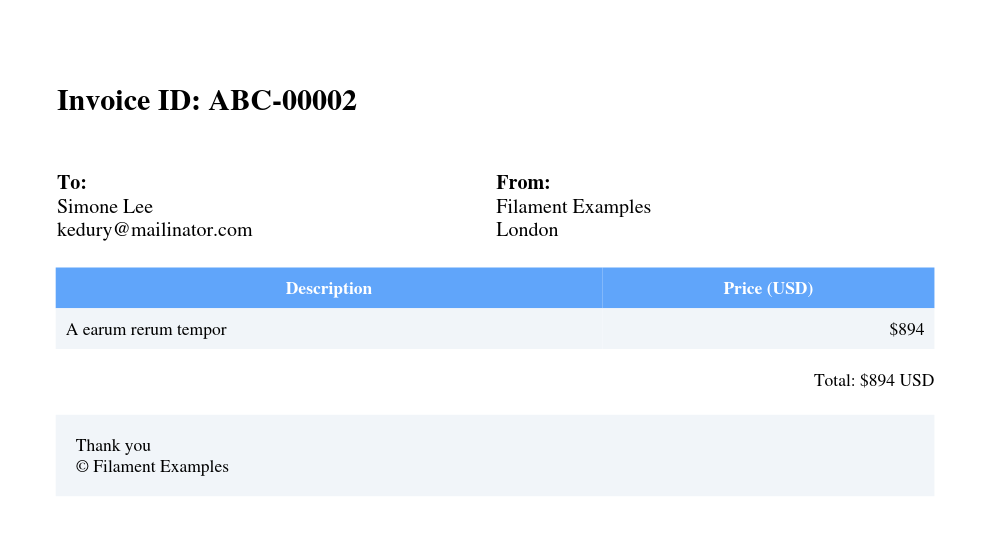
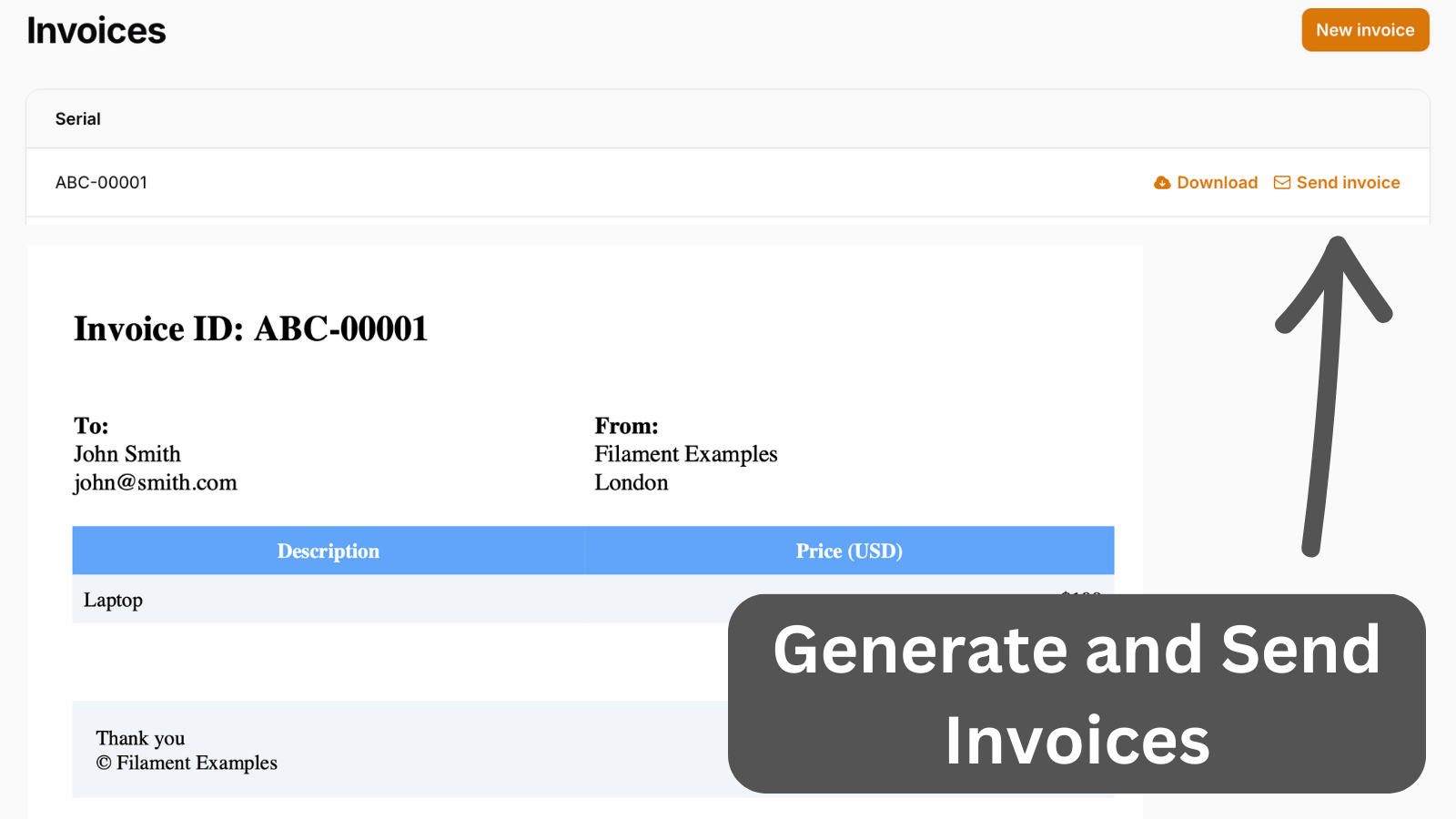
It's common to have any kind of PDF generation in your system. It might be a report, graph, or simply an invoice. This example focuses on invoice generation and allows sending it to the customer via email.
Get the Source Code:
Only This Example
One-time payment
 Sign in with GitHub to buy
Sign in first, then complete your $9 checkout.
FilamentExamples Membership
30-day money-back guarantee
How it works
In a Filament resource, we have a simple form to enter details for the invoice.
app/Filament/Resources/InvoiceResource.php:
use Filament\Forms;use Filament\Forms\Form; public static function form(Form $form): Form{ return $form ->schema([ Forms\Components\TextInput::make('customer_name') ->required(), Forms\Components\TextInput::make('customer_email') ->required(), Forms\Components\TextInput::make('product') ->required(), Forms\Components\TextInput::make('price') ->numeric() ->required(), ]);}Two models lifecycle events are used when a record is being creating and created. Within the creating event, a serial is generated, and after the record is created, a job to generate a PDF is dispatched.
app/Models/Invoice.php:
use App\Jobs\GenerateInvoice;use Illuminate\Database\Eloquent\Model; class Invoice extends Model{ // ... protected static function booted(): void { static::creating(function (Invoice $invoice) { $invoice->serial_number = str_pad((Invoice::max('serial_number') ?? 0) + 1, 5, '0', STR_PAD_LEFT); // ...Next, we will handle the following:
- Automatically generating invoices using
barryvdh/laravel-dompdf - Adding
DownloadandSend via Emailbuttons - Sending the invoice to an email
- Storing invoices in local storage