
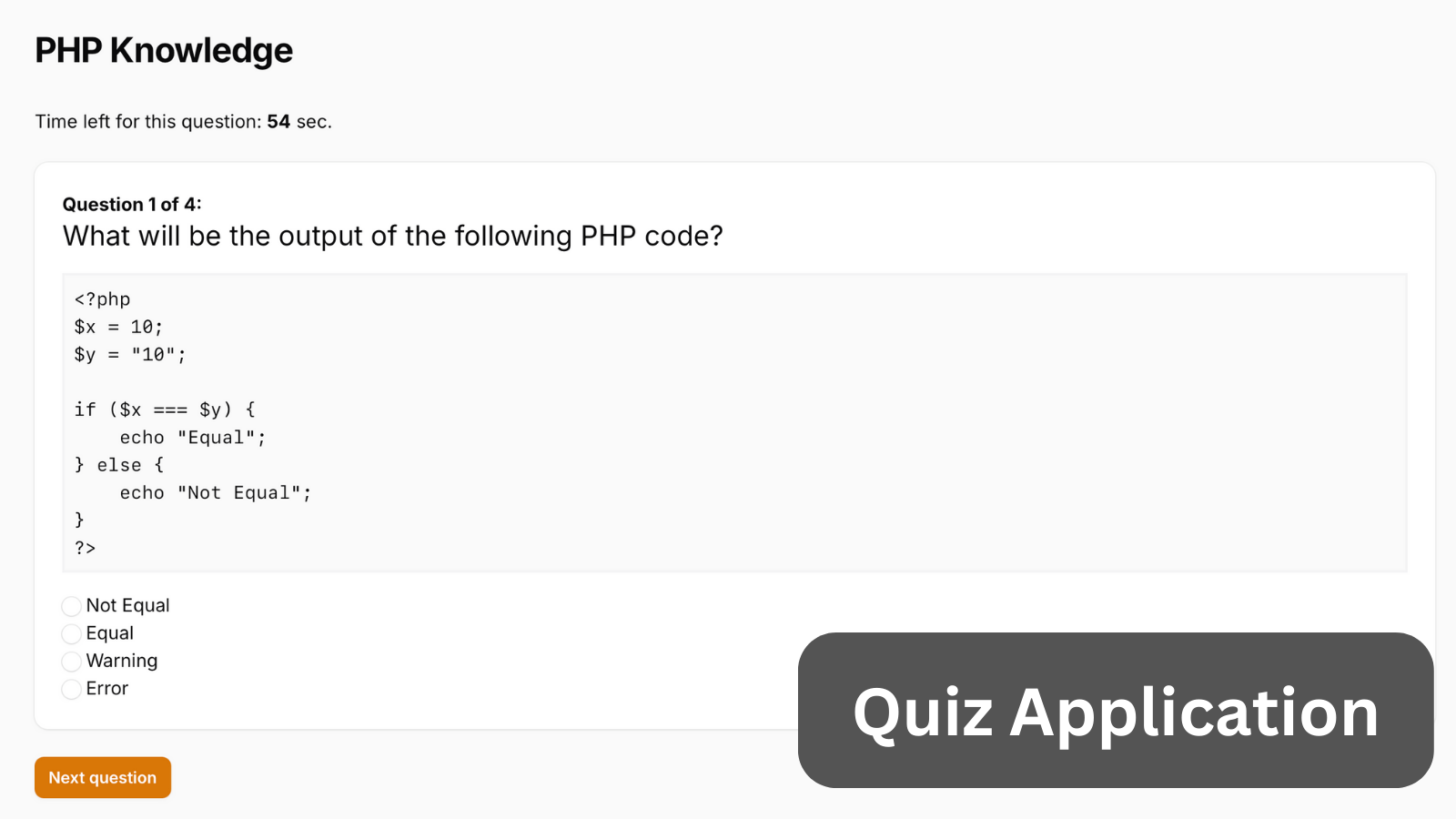
Creating a quiz application where admin users create quizzes with questions, while regular users can take published quizzes, view their results, and check the leaderboard.
Get the Source Code:
Only This Example
One-time payment
 Sign in with GitHub to buy
Sign in first, then complete your $9 checkout.
FilamentExamples Membership
30-day money-back guarantee
How it works
We have two Filament resources for managing quizzes and questions. Only admin users can access these two resources. Permissions are done via policies.
app/Policies/QuizPolicy.php:
use App\Models\Quiz;use App\Models\User;use Illuminate\Auth\Access\HandlesAuthorization; class QuizPolicy{ use HandlesAuthorization; public function viewAny(User $user): bool { return (bool) $user->is_admin; } public function view(User $user, Quiz $quiz): bool { return $quiz->is_published || $user->is_admin; } public function create(User $user): bool { return $user->is_admin; } public function update(User $user, Quiz $quiz): bool { return $user->is_admin; } public function delete(User $user, Quiz $quiz): bool { return $user->is_admin; }}app/Policies/QuestionPolicy.php:
use App\Models\User;use App\Models\Question;use Illuminate\Auth\Access\HandlesAuthorization; class QuestionPolicy{ use HandlesAuthorization; public function viewAny(User $user): bool { return (bool) $user->is_admin; } public function view(User $user, Question $question): bool { return $user->is_admin; } public function create(User $user): bool { return $user->is_admin; } public function update(User $user, Question $question): bool { return $user->is_admin; } public function delete(User $user, Question $question): bool { return $user->is_admin; }}The question form is extracted to a separate Schema class for reuse in the quiz resource. When creating a new question, you can also select a quiz in the QuestionResource on the edit page.
app/Filament/Resources/Questions/QuestionResource.php:
use Filament\Schemas\Schema;use App\Models\Question;use Filament\Resources\Resource;use Filament\Tables\Table;use App\Filament\Resources\Questions\Schemas\QuestionForm;use App\Filament\Resources\Questions\Tables\QuestionsTable;use Filament\Support\Icons\Heroicon; class QuestionResource extends Resource{ protected static ?string $model = Question::class; protected static string | \BackedEnum | null $navigationIcon = Heroicon::OutlinedRectangleStack; public static function form(Schema $schema): Schema { return QuestionForm::configure($schema); } public static function table(Table $table): Table { return QuestionsTable::configure($table); } // ...}app/Filament/Resources/Questions/Schemas/QuestionForm.php:
use Filament\Schemas\Schema;use Filament\Forms\Components\Select;use Filament\Forms\Components\Textarea;use Filament\Forms\Components\Repeater;use Filament\Forms\Components\Checkbox;use Filament\Forms\Components\TextInput; class QuestionForm{ public static function configure(Schema $schema): Schema { return $schema ->components(array_merge( self::questionForm(), [ Select::make('quiz_id') ->multiple() ->columnSpanFull() ->visibleOn('edit') ->relationship('quizzes', 'title') ]) ); } public static function questionForm(): array { return [ Textarea::make('question_text') ->required() ->columnSpanFull(), Repeater::make('questionOptions') ->required() ->relationship() ->columnSpanFull() ->schema([ TextInput::make('option') ->required() ->hiddenLabel(), Checkbox::make('correct'), ])->columns(), Textarea::make('code_snippet') ->columnSpanFull(), Textarea::make('answer_explanation') ->columnSpanFull(), TextInput::make('more_info_link') ->columnSpanFull(), ]; }}You can also create questions while creating a quiz in the Quiz form. This is where we reuse the question form.