
Adding a tenant to a Filament application where users belong to only one tenant.
Get the Source Code:
Only This Example
One-time payment
 Sign in with GitHub to buy
Sign in first, then complete your $9 checkout.
FilamentExamples Membership
30-day money-back guarantee
How it works
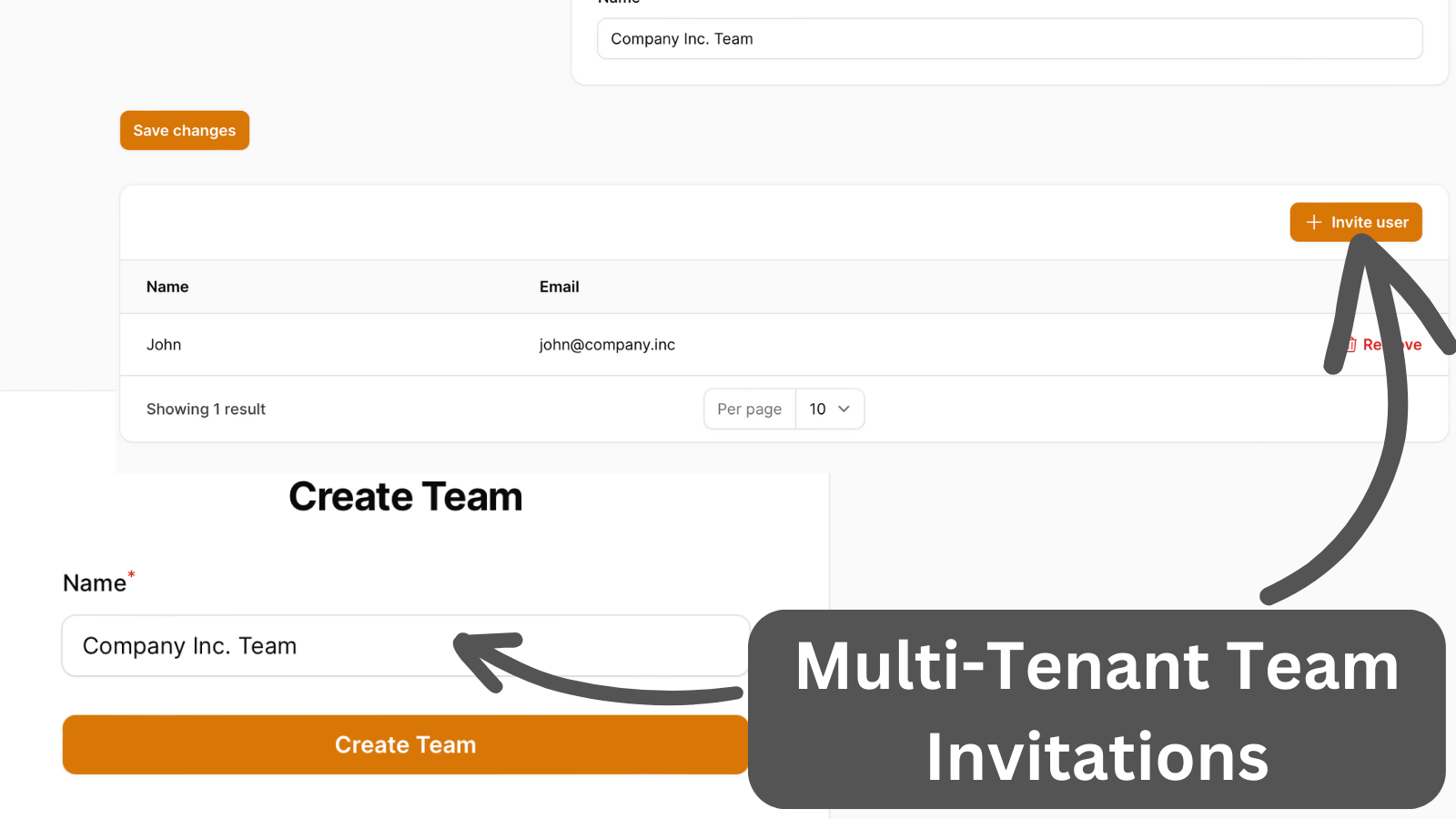
Teams are based on Filament native tenant support. User can belong to only one team. To make it happen, two interfaces were added to the User Model:
- HasDefaultTenant
- HasTenants
The most important method here is getDefaultTenant() to set the active tenant. If it is set, Filament will know that the user already has a tenant every time they log in.
app/Models/User.php:
use Filament\Models\Contracts\HasTenants;use Filament\Models\Contracts\HasDefaultTenant; class User extends Authenticatable implements FilamentUser, HasDefaultTenant, HasTenants{ // ... public function team(): BelongsTo { return $this->belongsTo(Team::class); } public function teamOwner(): HasOne { return $this->hasOne(Team::class, 'owner_id'); } public function canAccessTenant(Model $tenant): bool { /** @var Team $tenant */ return $this->team_id === $tenant->id; } public function getTenants(Panel $panel): array|Collection { return []; } public function getDefaultTenant(Panel $panel): ?Model { return $this->team; } public function tasks(): HasMany { return $this->hasMany(Task::class); }}In the panel's provider, we enable registration, set the tenant Model and tenant registration page, and hide the create new tenant link.