
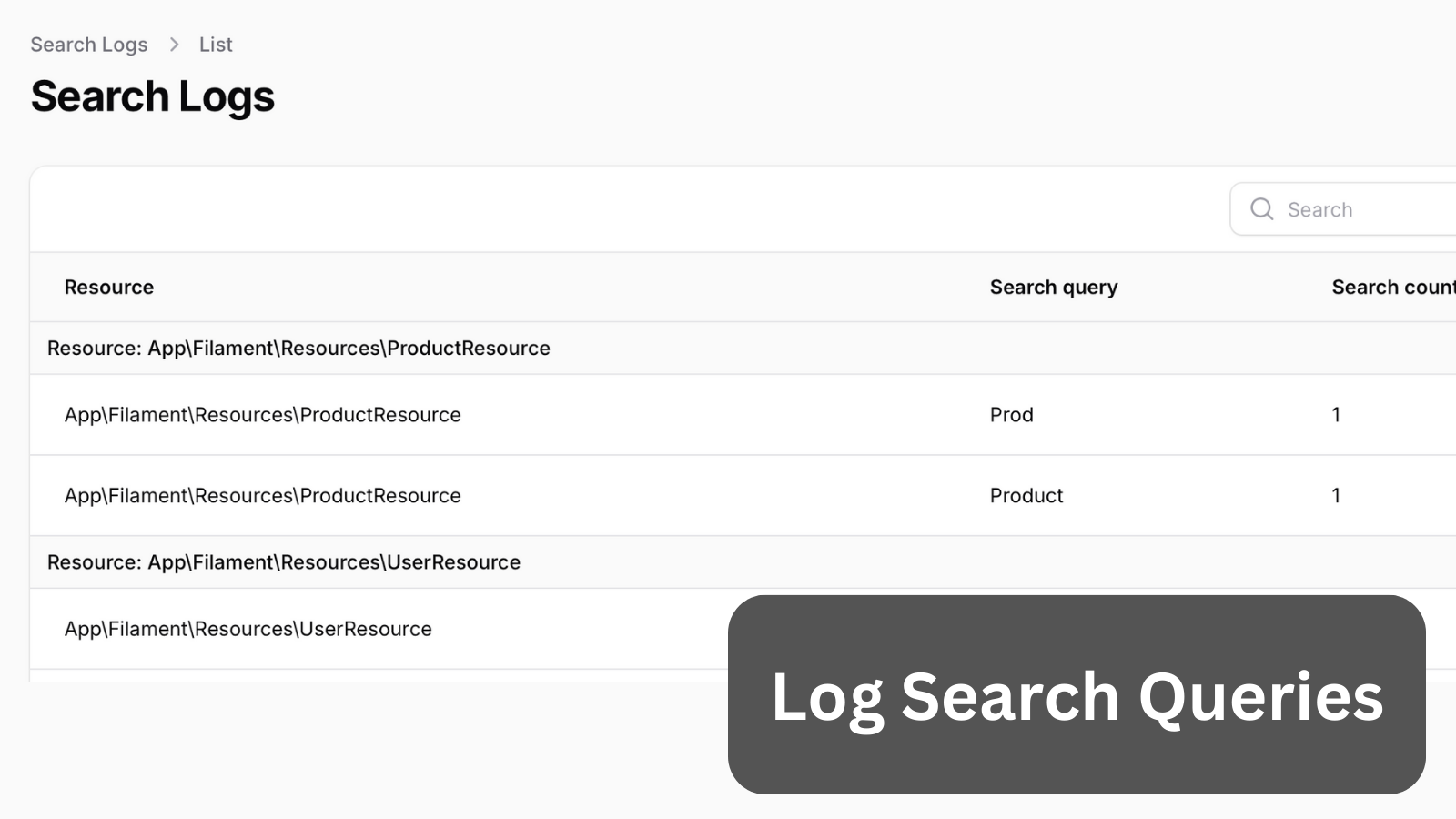
For larger applications, tracking user search behavior becomes important. This includes monitoring Global Search and Per Resource Search activities.
Get the Source Code:
Only This Example
$9
One-time payment
Full source code for Log Search Queries and Display Log Table
Downloadable ZIP file with the source code
Lifetime access to this example
 Sign in with GitHub to buy
Sign in first, then complete your $9 checkout.
Best value — all 176 examples
View membership plans
FilamentExamples Membership
$99
/year
or
$199
lifetime
Access to code of all 176 examples
Future new examples and updates included
FilaCheck Pro package licence included
MCP server included
30-day money-back guarantee
How it works
To log our searches, we first need a table:
Migration
Schema::create('search_logs', function (Blueprint $table) { $table->id(); $table->string('resource'); $table->string('search_query'); $table->foreignId('user_id')->constrained('users'); $table->timestamps();});And a Model:
app/Models/SearchLog.php
use Illuminate\Database\Eloquent\Model;use Illuminate\Database\Eloquent\Relations\BelongsTo; class SearchLog extends Model{ protected $fillable = [ 'resource', 'search_query', 'user_id', ]; public function user(): BelongsTo { return $this->belongsTo(User::class); }}Once these are in place, we can work on creating our reusable Trait to log the search queries:
First, we will start with Resource-based Trait to modify the column search on our table:
The FULL tutorial is available after the purchase: in the Readme file of the official
repository you would get invited to.