
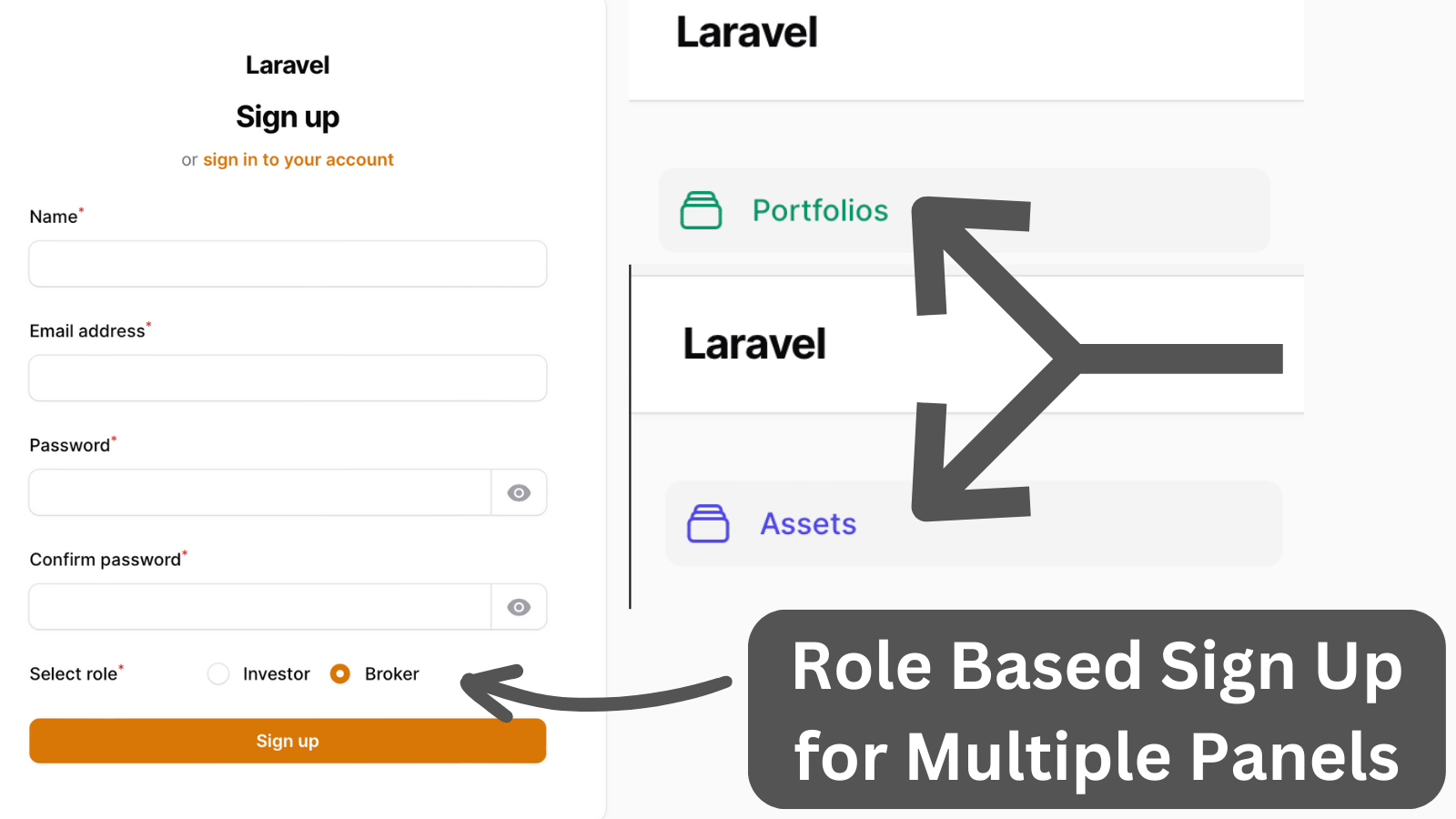
Users can choose a role when registering and see resources and records based on that role. Investors can select a broker with whom they don't have a portfolio yet.
Get the Source Code:
Only This Example
One-time payment
 Sign in with GitHub to buy
Sign in first, then complete your $9 checkout.
FilamentExamples Membership
30-day money-back guarantee
How it works
We have the Auth Panel, which is only responsible for log-in and registration. The path for this panel is set to root, and pages, resources, and widgets auto-discovery are removed.
app/Providers/Filament/AuthPanelProvider.php:
use App\Filament\Pages\Auth\Register; class AuthPanelProvider extends PanelProvider{ public function panel(Panel $panel): Panel { return $panel ->default() ->id('auth') ->path('') ->login() ->registration(Register::class) ->colors([ 'primary' => Color::Amber, ]) ->middleware([ EncryptCookies::class, AddQueuedCookiesToResponse::class, StartSession::class, AuthenticateSession::class, ShareErrorsFromSession::class, VerifyCsrfToken::class, SubstituteBindings::class, DisableBladeIconComponents::class, DispatchServingFilamentEvent::class, ]); }}After logging in or registering to redirect the user to the correct resource and panel, the response is created and added to the AppServiceProvider as a singleton.
app/Http/Responses/LoginResponse.php:
use Illuminate\Http\RedirectResponse;use Livewire\Features\SupportRedirects\Redirector; class LoginResponse extends \Filament\Auth\Http\Responses\LoginResponse{ public function toResponse($request): RedirectResponse|Redirector { return redirect()->to(auth()->user()->usersPanel()); }}app/Http/Responses/RegisterResponse.php:
use Filament\Auth\Http\Responses\RegistrationResponse;use Illuminate\Http\RedirectResponse;use Livewire\Features\SupportRedirects\Redirector; class RegisterResponse extends RegistrationResponse{ public function toResponse($request): RedirectResponse|Redirector { return redirect()->to(auth()->user()->usersPanel()); }}app/Models/User.php:
use App\Filament\Broker\Resources\Assets\AssetResource;use App\Filament\Investor\Resources\Portfolios\PortfolioResource; class User extends Authenticatable implements FilamentUser{ // ... public function usersPanel(): string { return match (auth()->user()->role->name) { 'Broker' => AssetResource::getUrl(panel: 'broker'), 'Investor' => PortfolioResource::getUrl(panel: 'investor'), }; }}If the user can access the panel, the check is done inside the canAccessPanel() method in the User Model by checking the user's role and panel ID.