
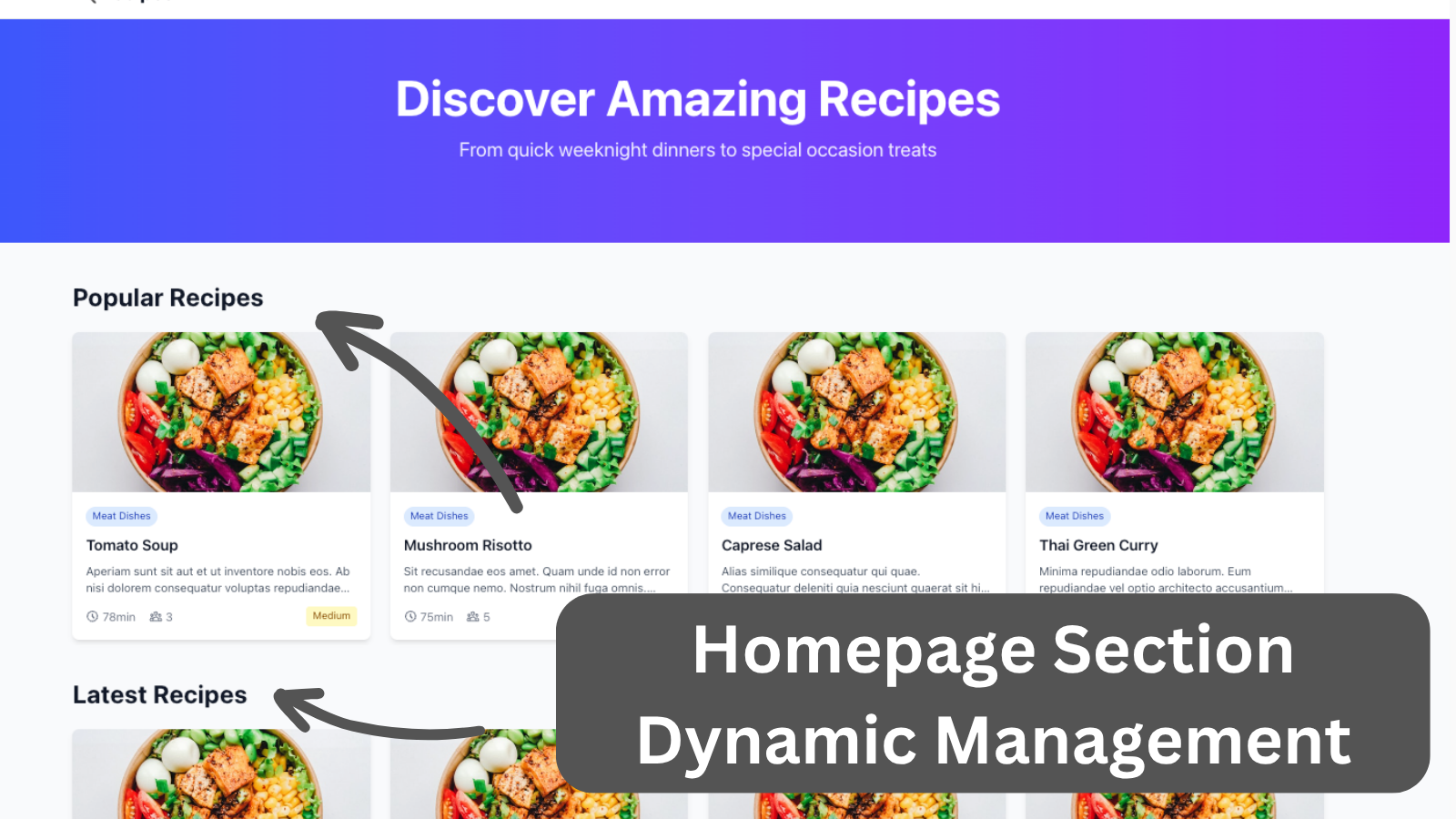
Managing homepage sections through Filament admin with different content types, drag-and-drop reordering, visibility controls, and configurable item counts. The frontend dynamically renders sections with responsive recipe cards based on admin configuration.
Get the Source Code:
Only This Example
One-time payment
 Sign in with GitHub to buy
Sign in first, then complete your $9 checkout.
FilamentExamples Membership
30-day money-back guarantee
How it works
All the management is in the HomepageSectionResource Filament resource with form configuration extracted to a separate schema class
app/Filament/Resources/HomepageSections/Schemas/HomepageSectionForm.php:
class HomepageSectionForm{ public static function configure(Schema $schema): Schema { return $schema ->components([ TextInput::make('name') ->required() ->live(onBlur: true) ->afterStateUpdated(fn (string $context, $state, Set $set) => $context === 'create' ? $set('slug', Str::slug($state)) : null), TextInput::make('slug') ->required() ->unique(HomepageSection::class, 'slug', ignoreRecord: true), Select::make('type') ->required() ->options([ 'popular' => 'Popular Recipes', 'latest' => 'Latest Recipes', 'category' => 'Category Based', ]) ->live() ->afterStateUpdated(fn (Set $set) => $set('category_slug', null)), // Conditionally show category selection for category-based sections Select::make('category_slug') ->label('Category') ->options(fn () => Category::pluck('name', 'slug')) ->visible(fn (Get $get) => $get('type') === 'category') ->required(fn (Get $get) => $get('type') === 'category'), TextInput::make('order') ->required() ->numeric() ->default(fn () => HomepageSection::max('order') + 1) ->minValue(1), TextInput::make('limit') ->required() ->numeric() ->default(4) ->minValue(1) ->maxValue(20) ->helperText('Number of recipes to display in this section'), Toggle::make('visible') ->label('Show on Homepage') ->default(true), ]); }}The HomepageSection model handles retrieving the appropriate recipes based on the section type: