
Roles: Broker vs Investor in Single Panel
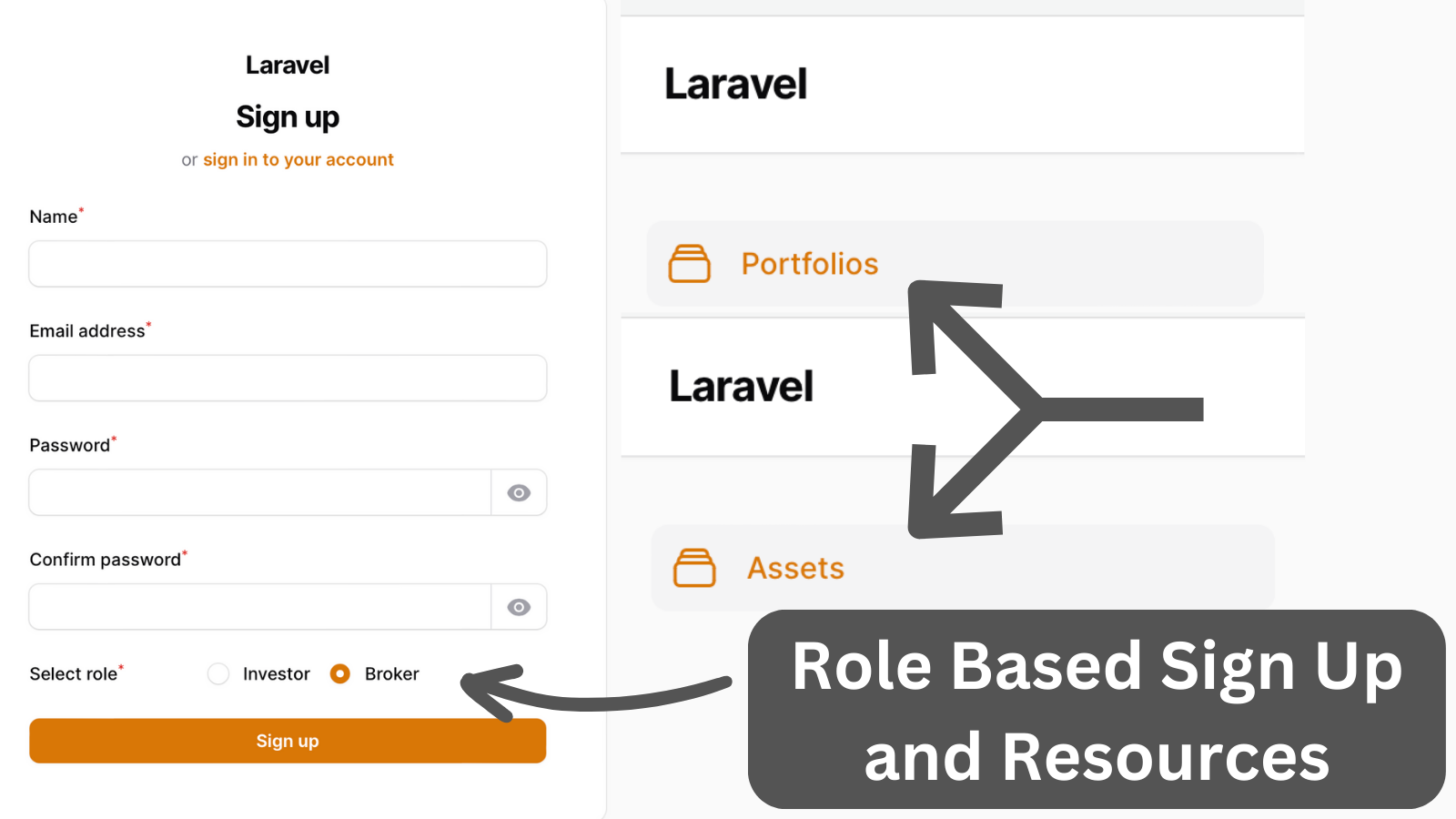
Filament 3Sometimes, a system can have multiple roles. But how do we add a Registration form where a user selects his Role? And how do we hide/show resources based on that role?
Get the Source Code:
Only This Example
One-time payment
 Sign in with GitHub to buy
Sign in first, then complete your $9 checkout.
FilamentExamples Membership
30-day money-back guarantee
How it works
In the Panel Provider we enable registration and pass an action as our own custom registration page.
app/Providers/Filament/AdminPanelProvider.php:
use App\Filament\Pages\Auth\Register; class AdminPanelProvider extends PanelProvider{ public function panel(Panel $panel): Panel { return $panel ->default() ->id('admin') ->path('admin') ->login() ->registration(Register::class) // ... }}The registration page must extend the registration page from the Filament. In the register page, we add a radio select field for the role and set the default role to the Broker.
App/Filament/Pages/Auth/Register.php:
use App\Models\Role;use Filament\Forms\Form;use Filament\Forms\Components\Radio;use Filament\Forms\Components\Component;use Filament\Pages\Auth\Register as BaseRegister; class Register extends BaseRegister{ public function form(Form $form): Form { return $form ->schema([ // ....We also have an example of how to do this using Multiple Panels