
Filament: Right-Click Menu in Table
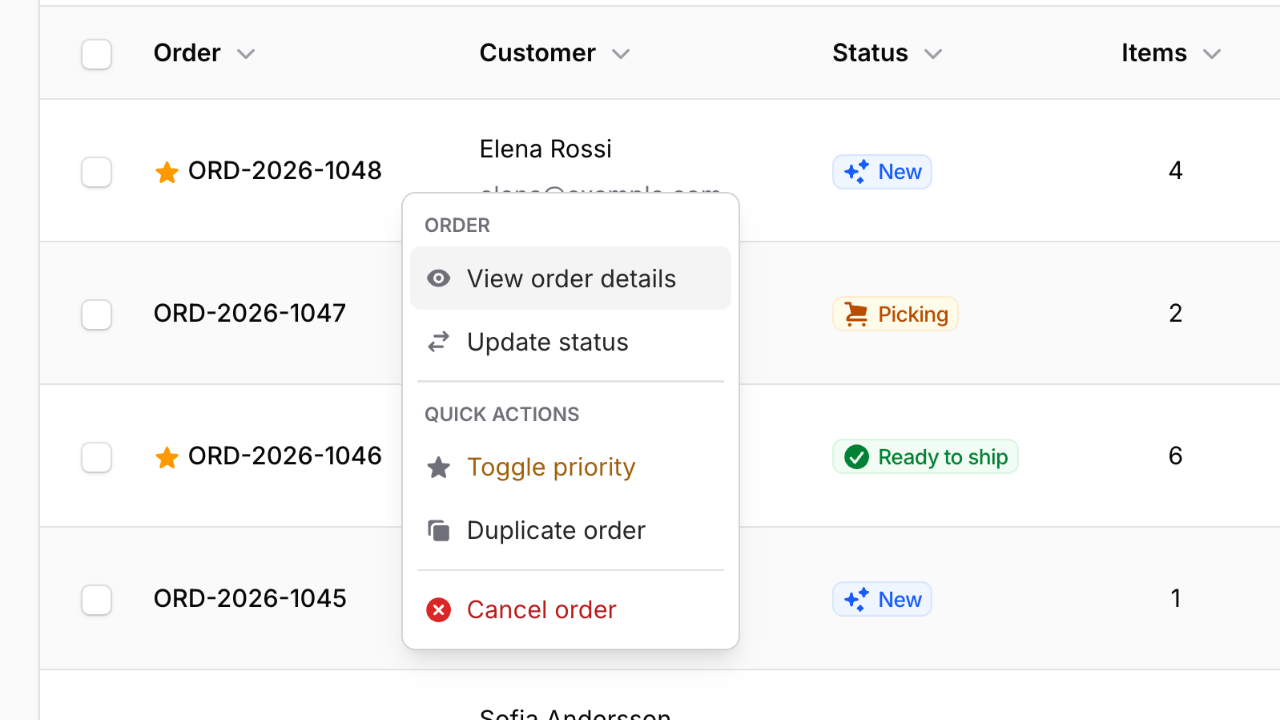
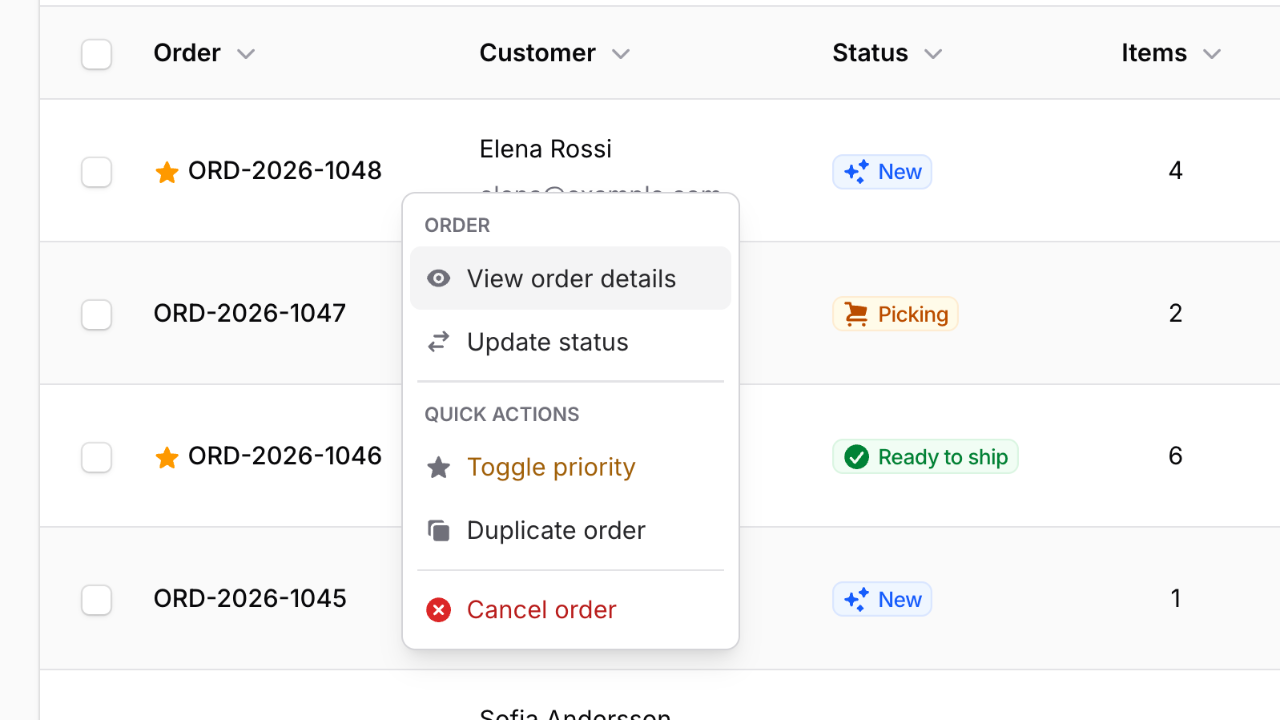
Filament 4/5This project demonstrates how to add a native-feeling right-click context menu to a Filament table using the leek/filament-right-click plugin. Right-click any row in the orders table and a desktop-style menu appears — grouped sections, icons, colors, and separators — wiring straight into ordinary Filament Action and BulkAction objects.
Get the Source Code:
Only This Example
One-time payment
 Sign in with GitHub to buy
Sign in first, then complete your $9 checkout.
FilamentExamples Membership
30-day money-back guarantee
How it works
Right-Click Context Menu for Filament Tables
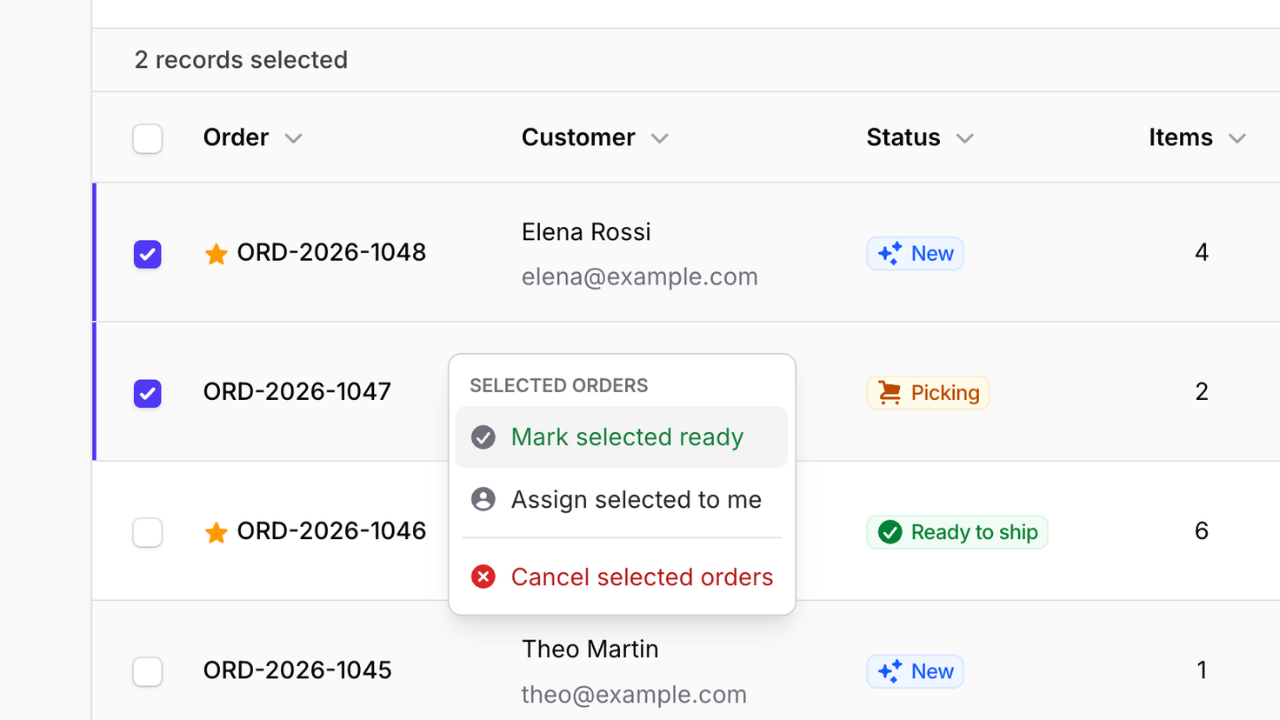
This project demonstrates how to add a native-feeling right-click context menu to a Filament table using the leek/filament-right-click plugin. Right-click any row in the orders table and a desktop-style menu appears — grouped sections, icons, colors, and separators — wiring straight into ordinary Filament Action and BulkAction objects. Select several rows first, and right-clicking offers bulk actions across the whole selection instead.
The whole feature is two method calls on the table (->contextMenuActions() and ->contextMenuBulkActions()) plus one line to register the plugin — the actions themselves are the same Filament actions you already know, so nothing new to learn on that front.
The repository contains the complete Laravel + Filament project to demonstrate the functionality, including migrations/seeds for the demo data.
The Filament project is in the app/Filament folder.
Feel free to pick the parts that you actually need in your projects.
How to install
- Clone the repository with
git clone - Copy the
.env.examplefile to.envand edit database credentials there - Run
composer install - Run
php artisan key:generate - Run
php artisan migrate --seed(it has some seeded orders for your testing) - Run
npm install&&npm run build - That's it: launch the URL
/adminand log in with credentials[email protected]andpassword, then right-click any row in the Orders table
Screenshots
How It Works
The entire feature is three pieces: registering the plugin on the panel, defining a per-row context menu with ->contextMenuActions(), and defining a selection-wide menu with...