
Drag-to-Resize Sidebar for Filament
Filament 4/5This project turns Filament's fixed-width admin sidebar into a drag-to-resize panel that snaps into the collapsed icon rail when you pull it in far enough — built from one CSS file, one Alpine.js component, and one render hook, using only Filament's existing sidebar machinery so it survives upgrades and drops into any panel.
Get the Source Code:
Only This Example
One-time payment
 Sign in with GitHub to buy
Sign in first, then complete your $9 checkout.
FilamentExamples Membership
30-day money-back guarantee
How it works
Drag-to-Resize Sidebar
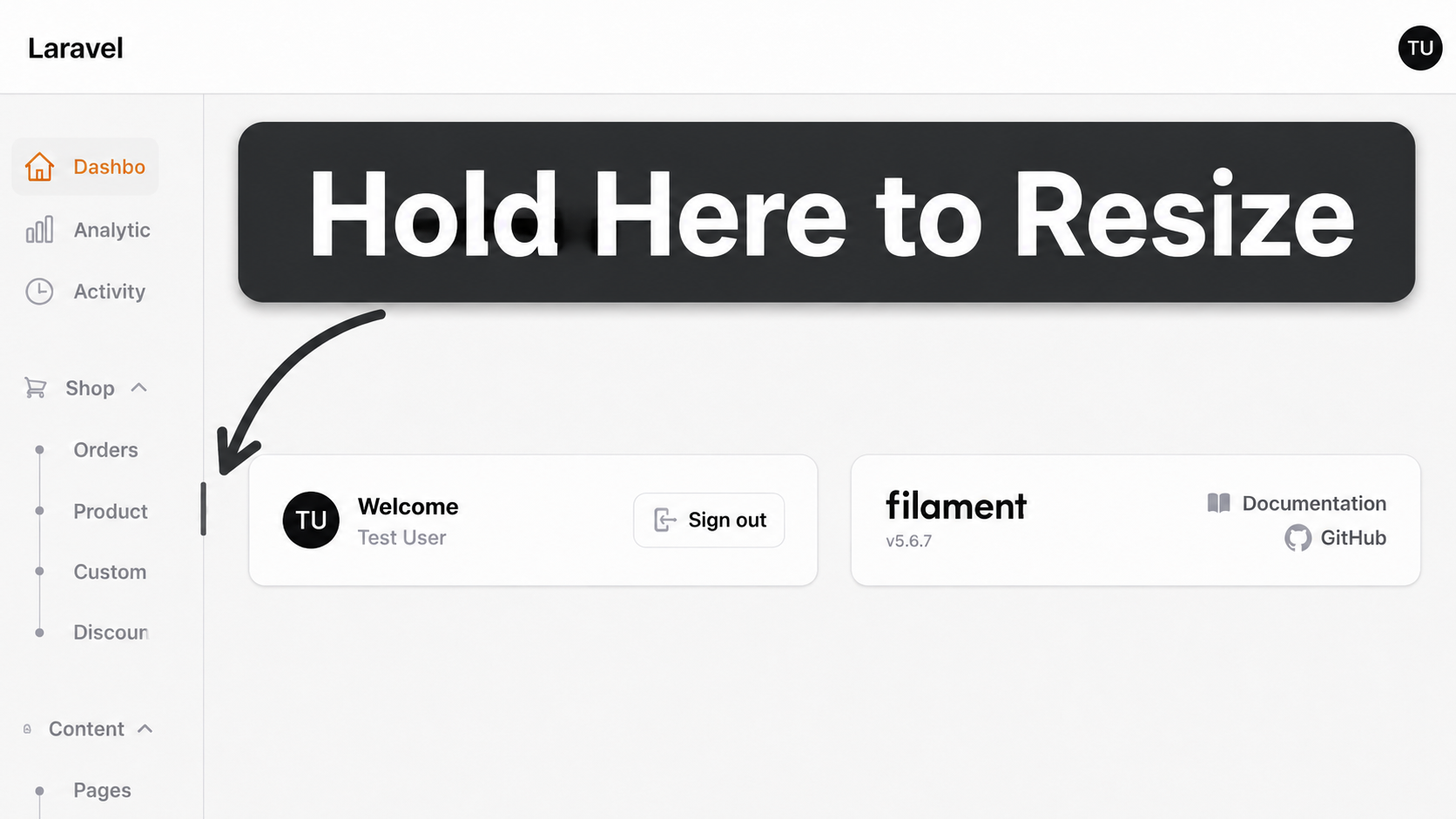
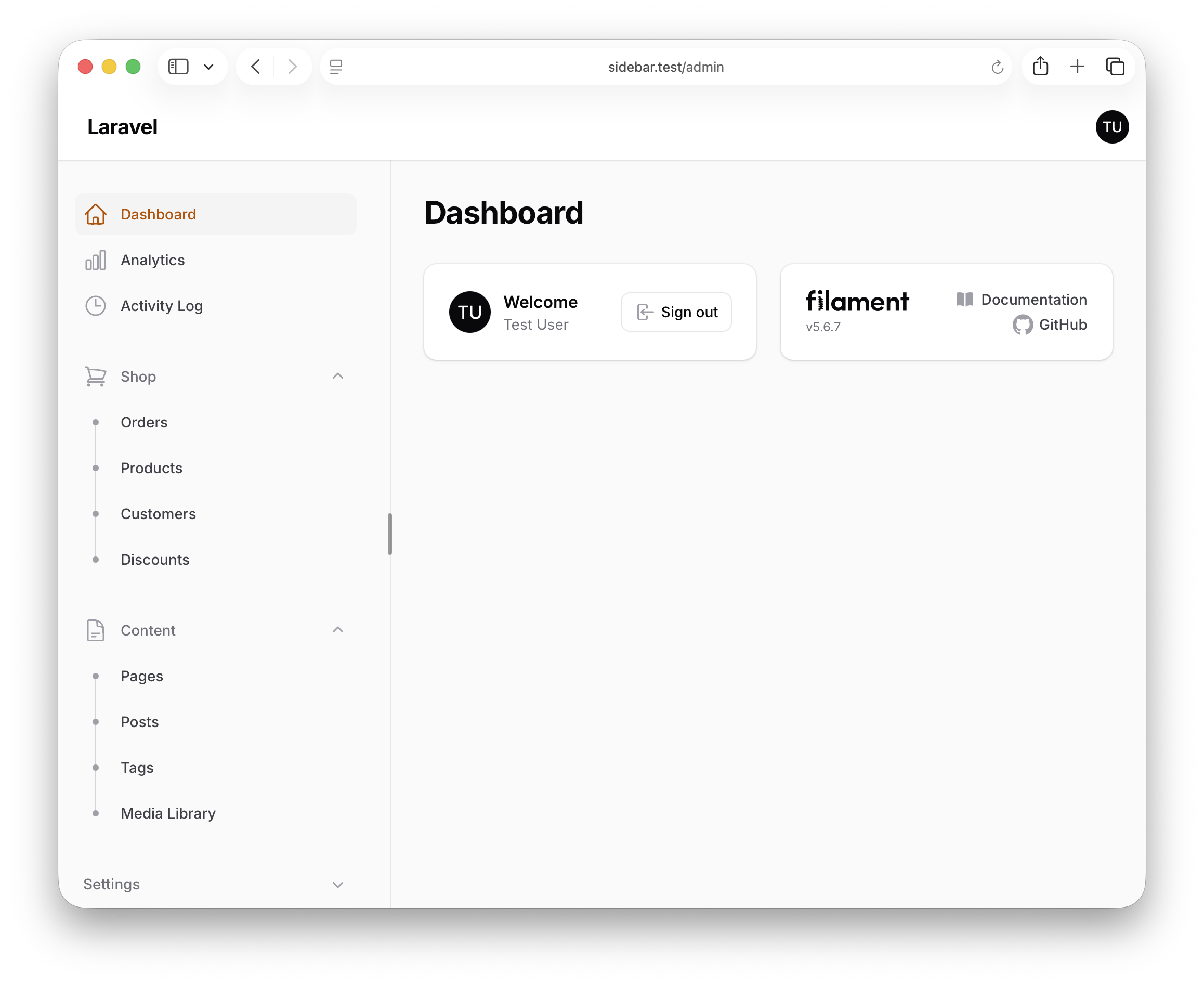
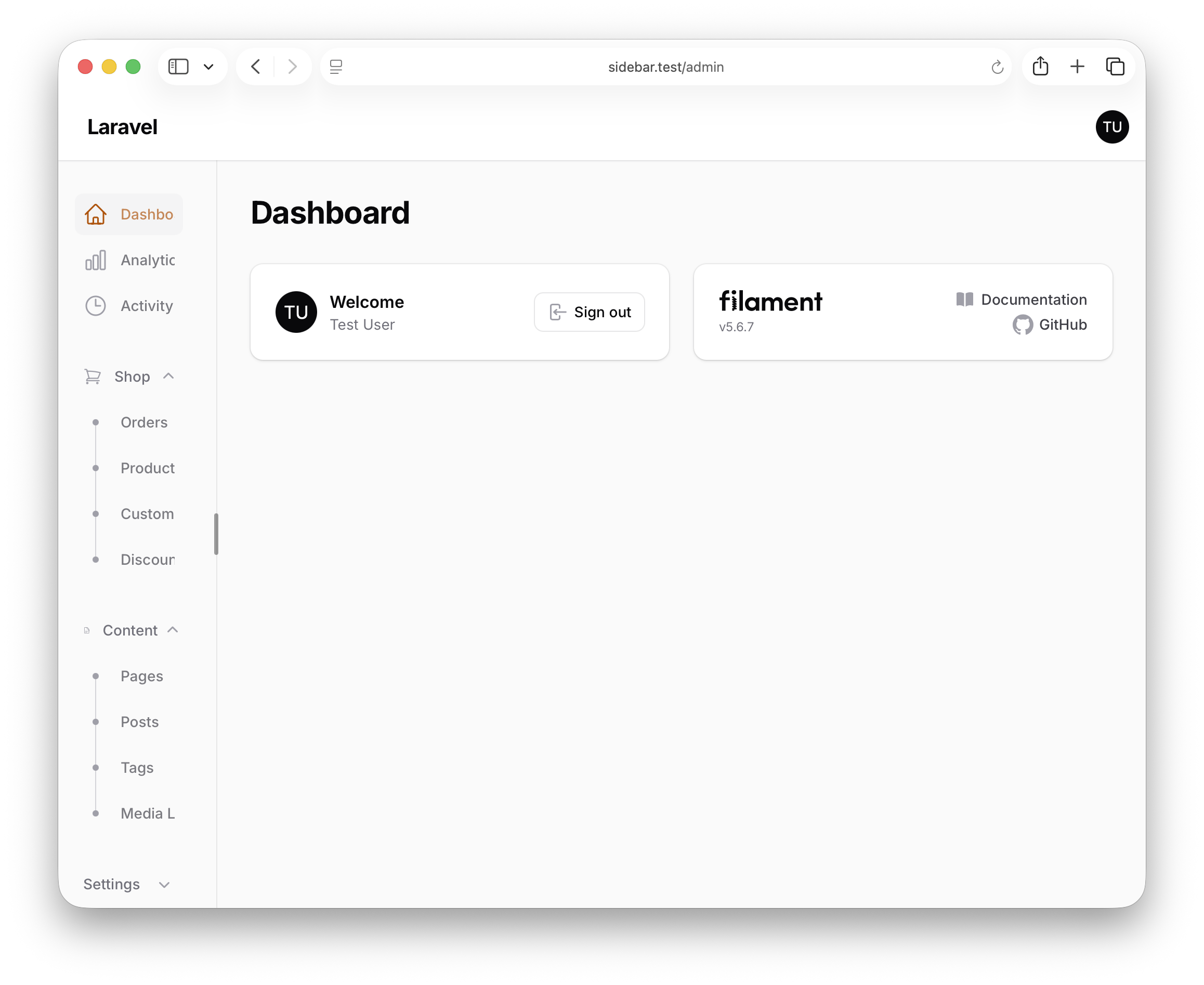
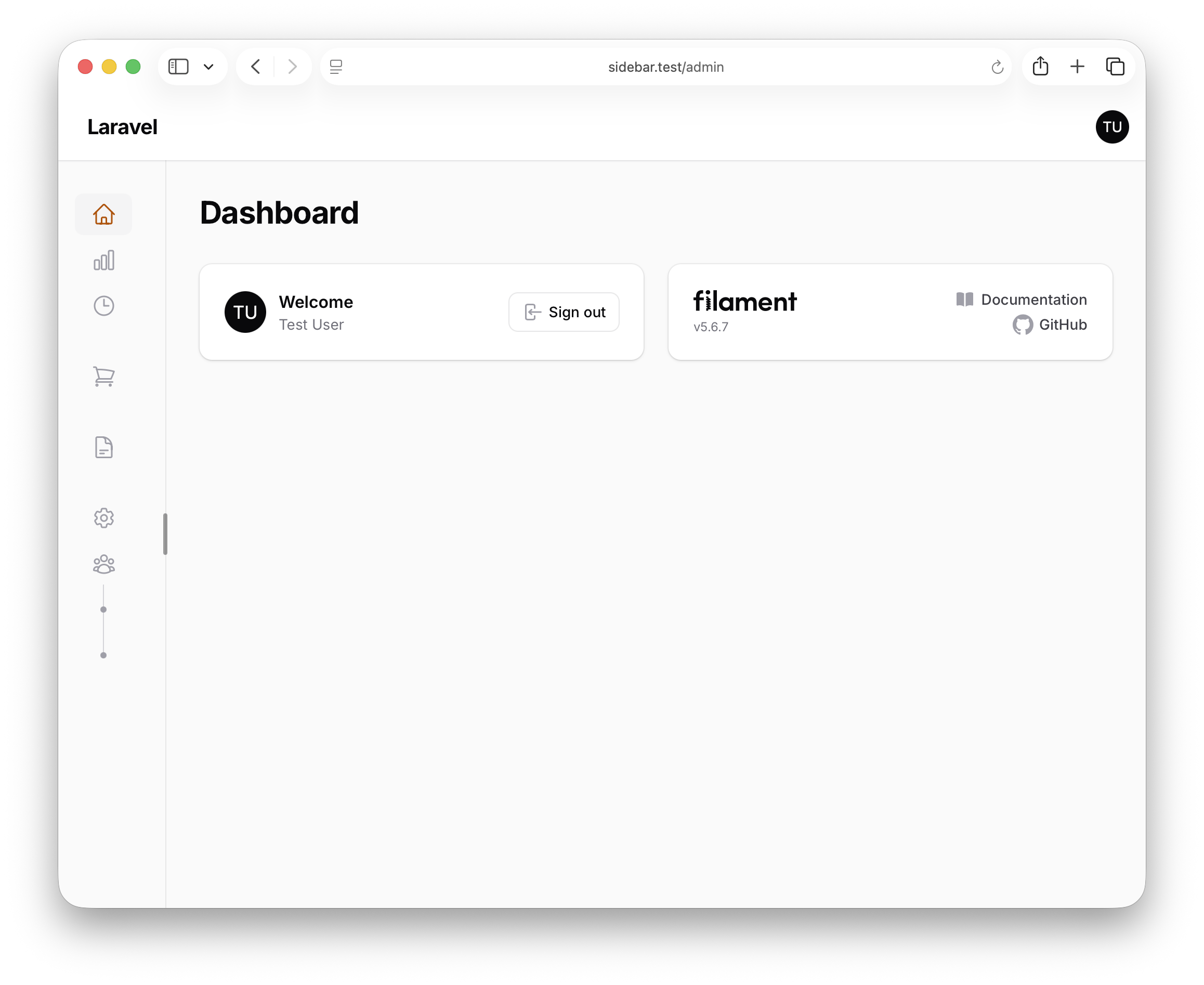
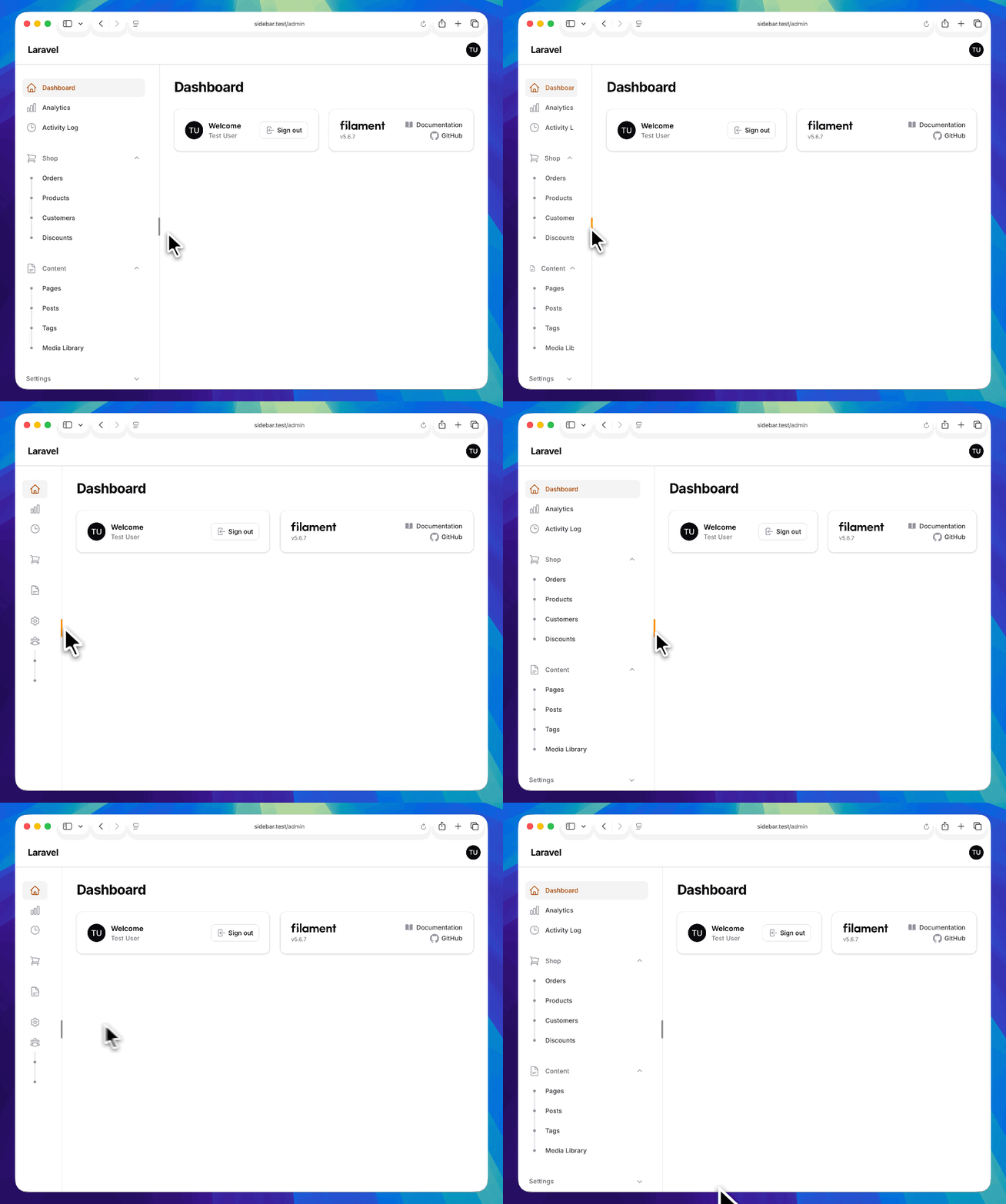
This project demonstrates how to make the Filament admin sidebar drag-to-resize — grab the grip on its trailing edge, pull it to any width, and the panel remembers it next time. Pull it in far enough and it snaps into Filament's collapsed icon rail; double-click to toggle fully open or closed. It's three independent pieces — one CSS file, one Alpine.js component, and one render hook — that ride entirely on Filament's existing sidebar machinery, so nothing breaks on upgrade.
The repository contains the complete Laravel + Filament project to demonstrate the functionality.
Feel free to pick the parts that you actually need in your projects.
How to install
- Clone the repository with
git clone - Copy the
.env.examplefile to.envand edit database credentials there - Run
composer install - Run
php artisan key:generate - Run
php artisan migrate - Run
npm install&&npm run build - That's it: launch the
/adminand log in with credentials[email protected]andpasswordand drag the grip on the right edge of the sidebar
Screenshots
How It Works
The feature is wired through two providers. AppServiceProvider registers the CSS and JS as Filament assets so they load on every panel page, and AdminPanelProvider turns on Filament's collapsible sidebar and injects a tiny block of drag markup at the top of the sidebar. Everything else is just CSS reacting to a couple of variables that the Alpine component sets.
1. Registering the assets — AppServiceProvider
The CSS and JS live as real files under resources/, and Filament is told about them with FilamentAsset::register(). That's the idiomatic way to ship custom assets into a Filament panel — Filament bundles them into its own asset pipeline, so there's no Vite entry to wire up and no @vite tag to remember.
app/Providers/AppServiceProvider.php
use Filament\Support\Assets\Css;use Filament\Support\Assets\Js;use Filament\Support\Facades\FilamentAsset; public function boot(): void{ FilamentAsset::register([ Css::make('sidebar-resizer', resource_path('css/filament/sidebar-resizer.css')), Js::make('sidebar-resizer', resource_path('js/filament/sidebar-resizer.js')), ]);}The key points:
FilamentAsset::register()is what makes the two files load on every panel request — Filament copies them into its published asset directory and injects the<link>/<script>tags into the panel layout, so you never touch the Blade head yourselfCss::make('sidebar-resizer', resource_path(...))points at a real file on disk rather than inline CSS — that keeps the styles editable, diffable, and free of Blade-escaping surprises, and the named handle (sidebar-resizer) is what Filament uses to dedupe and cache-bust the assetresource_path('css/filament/...')keeps the files alongside the rest of your front-end source instead of inpublic/— Filament handles the copy-to-public step at registration time, so the working copies stay version-controlled in one obvious place
2. Turning on the sidebar and injecting the grip — AdminPanelProvider
The panel opts into Filament's desktop-collapsible sidebar, pins its open and collapsed widths, and then drops the resize markup in via a render hook. The grip is just two <div>s bound to an Alpine component — no custom Blade view, no Livewire component.