
Construction Management System
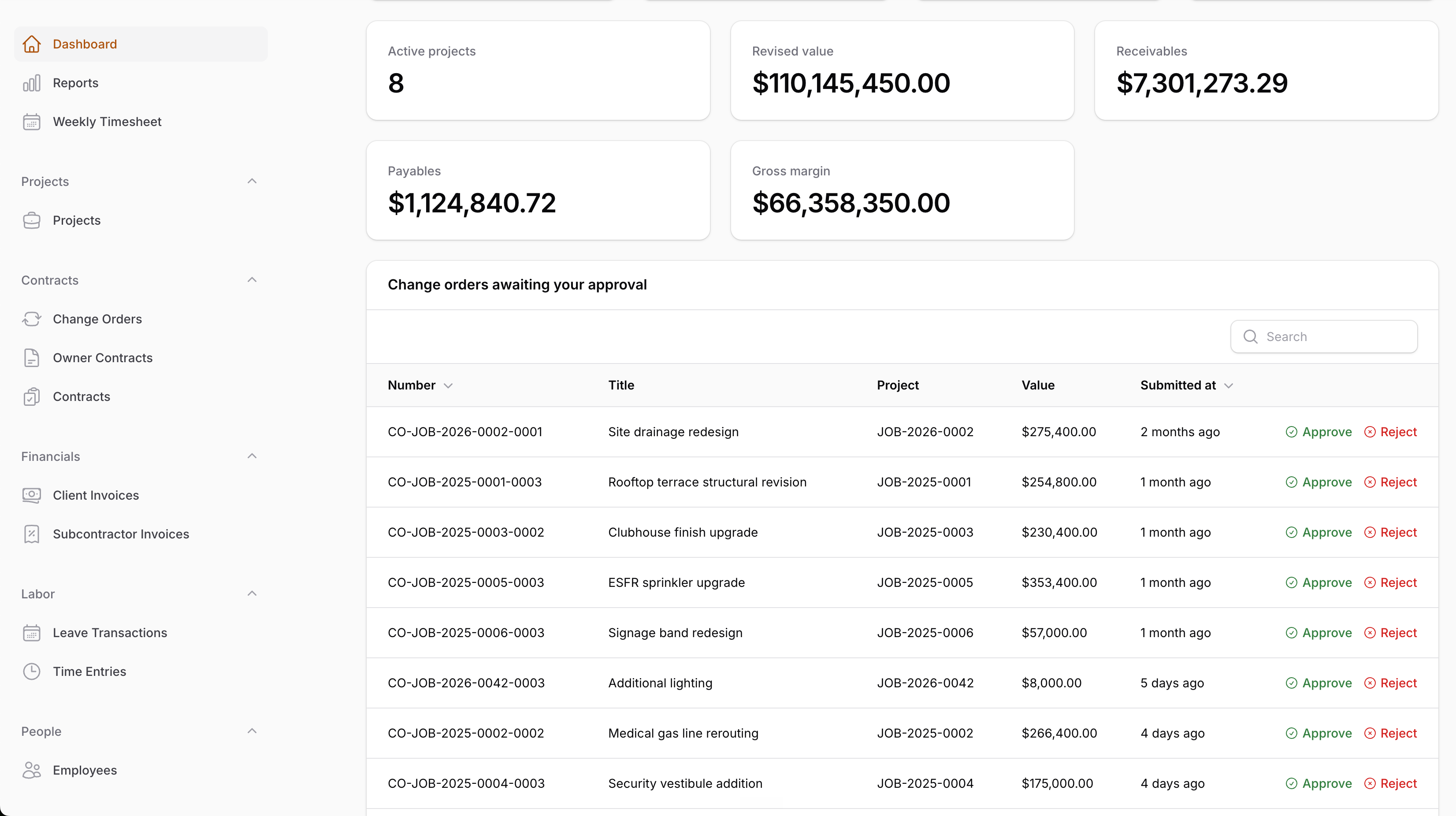
Filament 4/5This project demonstrates how to build a construction-management panel with Filament. Not a CRUD demo, but a full project-delivery workflow.
Get the Source Code:
Only This Example
One-time payment
 Sign in with GitHub to buy
Sign in first, then complete your $9 checkout.
FilamentExamples Membership
30-day money-back guarantee
How it works
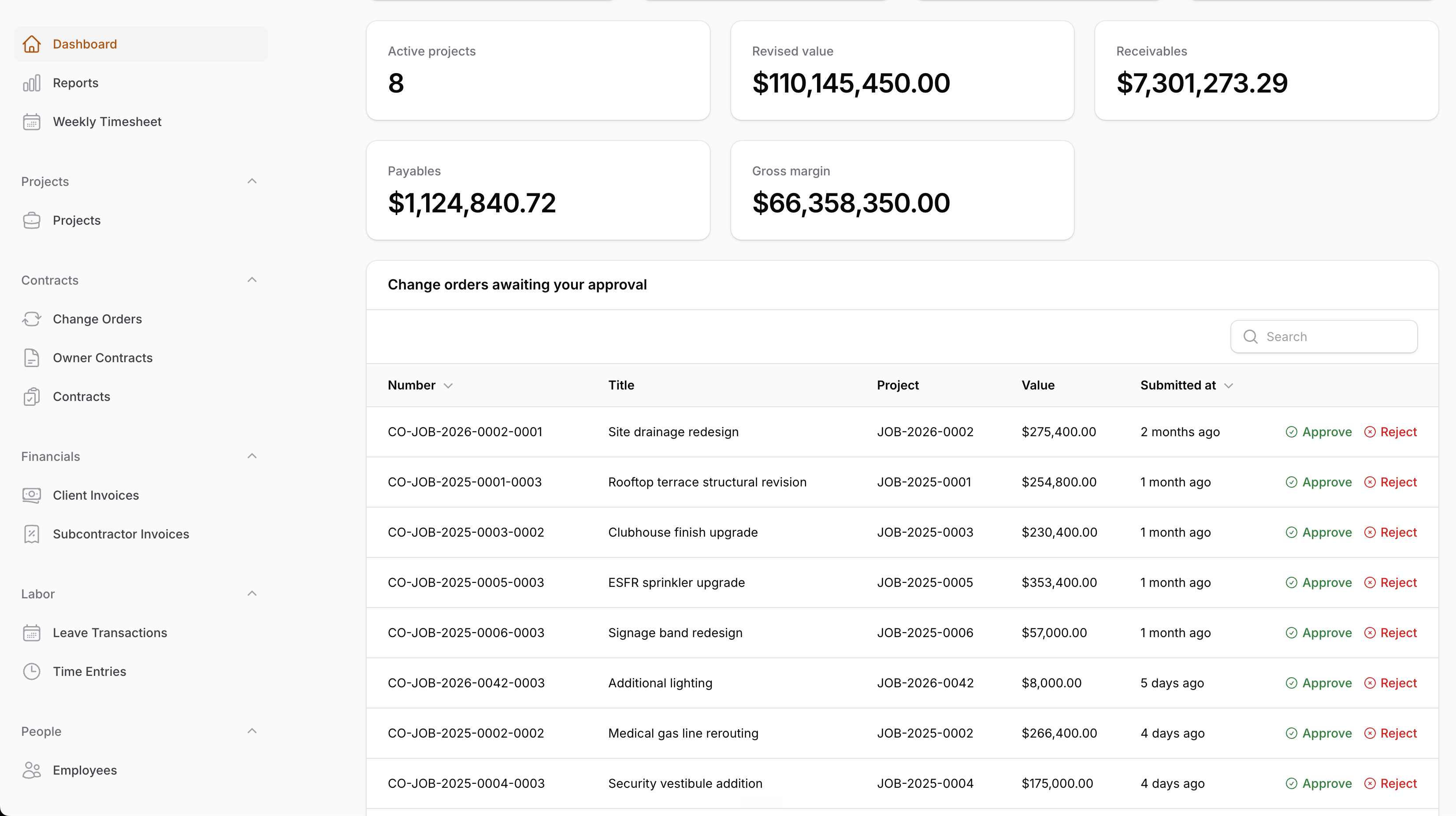
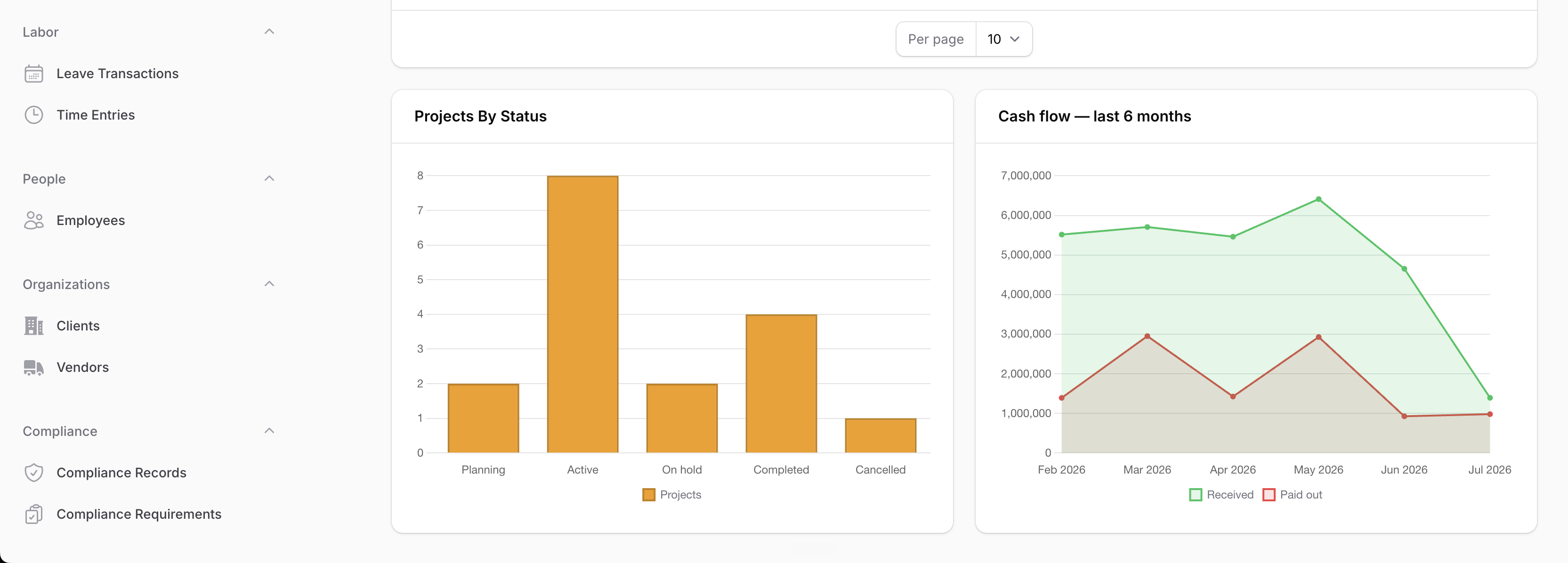
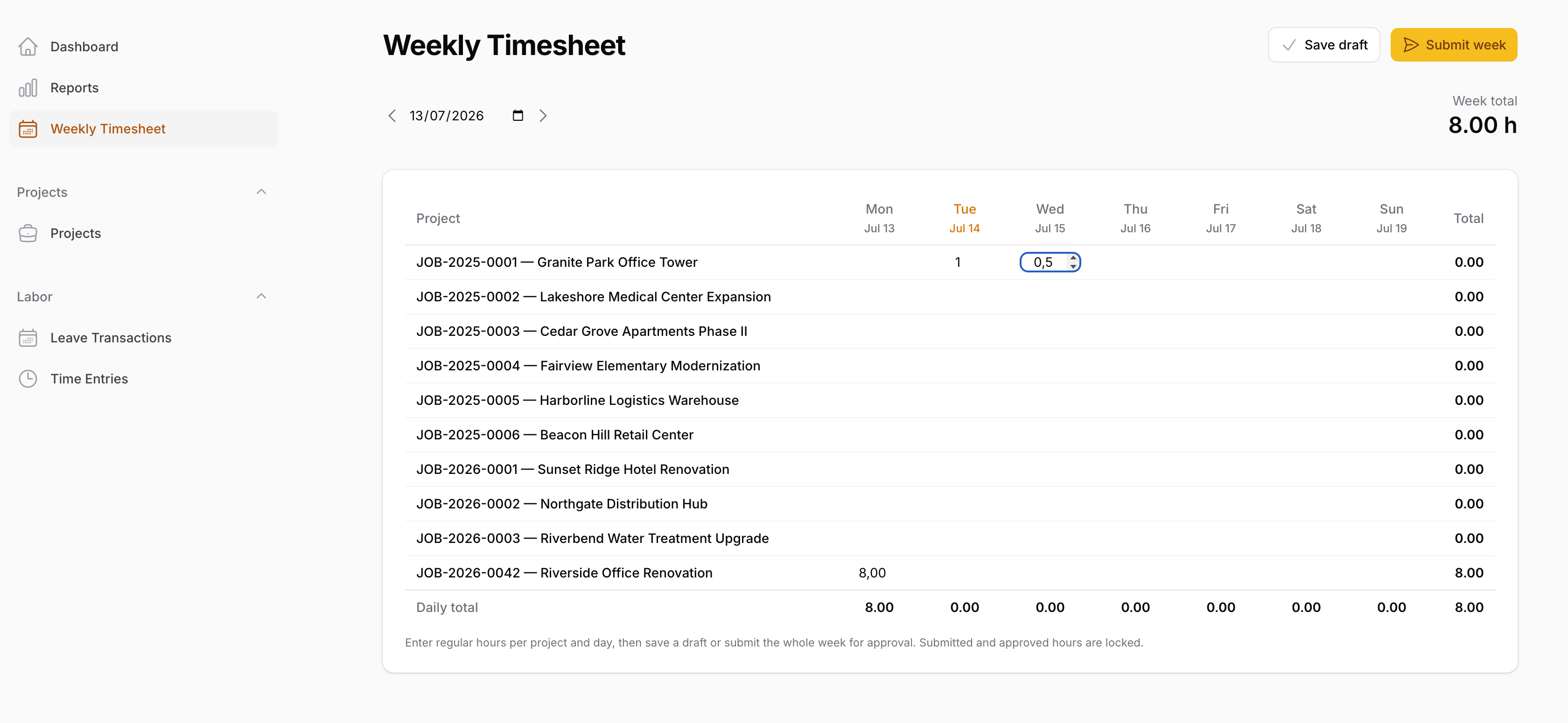
This project demonstrates how to build a construction-management panel with Filament — not a CRUD demo, but a full project-delivery workflow: owner contracts with a Schedule of Values, subcontracts, change-order approval, client and subcontractor invoicing with partial payments and PDF generation, a weekly timesheet grid, compliance tracking, and a financial dashboard. There's also a second, separate Filament panel for subcontractors.
The key idea: Filament stays a thin UI layer. Every workflow transition (submit/approve/reject a change order, approve/send/void an invoice, record a payment) lives in a typed service class that locks the record, authorizes the actor, validates the business rules, and writes an activity-log entry — the Filament actions just call those services. All money is stored as integer cents behind a dedicated Money value object, and every table and select is scoped to the projects the user is actually assigned to.
The repository contains the complete Laravel + Filament project to demonstrate the functionality, including migrations/seeds for the demo data.
The Filament project is in the app/Filament folder.
Feel free to pick the parts that you actually need in your projects.
How to install
- Clone the repository with
git clone - Copy the
.env.examplefile to.envand edit database credentials there (the default is SQLite — runtouch database/database.sqliteif you keep it) - Run
composer install - Run
php artisan key:generate - Run
php artisan migrate --seed(it seeds a full "Riverside" demo project: a $500,000 owner contract, subcontracts, pending change orders, partial payments, overdue invoices, compliance warnings, and submitted timesheets) - Run
npm install && npm run build - That's it: launch the URL
/adminand log in with credentials[email protected]andpassword
All seeded accounts share the password password, and each demonstrates a different permission set:
| Role | What they see | |
|---|---|---|
| Administrator | [email protected] |
Everything |
| Project Manager | [email protected] |
Assigned projects with financial access |
| Accounting | [email protected] |
Global financial access |
| Site Supervisor | [email protected] |
Documents and time approval, no financials |
| Employee | [email protected] |
Own timesheet and assigned-project documents |
| Executive | [email protected] |
Global read-only visibility |
Screenshots
How It Works
The panel is organized around the real construction workflow: client → project → owner contract with a Schedule of Values → subcontracts → change orders → invoices → payments → time approval → dashboard reporting. Each section below is one of those pieces, plus the two foundations everything sits on: exact money math and project-scoped authorization.
1. Money as Integer Cents — the Money Value Object
Every financial column in the database is an integer number of cents, and every calculation goes through one final readonly value object, so no float rounding drift can ever reach the database.
app/Support/Money.php
final readonly class Money implements Stringable{ private function __construct(public int $cents) {} public static function fromCents(int $cents): self { return new self($cents); } public function plus(self $other): self { return new self($this->cents + $other->cents); } /** * Apply a rate stored as basis points, where 1% = 100 and 10% = 1000. */ public function basisPoints(int $basisPoints): self { return new self(self::divideRoundingHalfAwayFromZero($this->cents * $basisPoints, 10_000)); } public static function divideRoundingHalfAwayFromZero(int $numerator, int $denominator): int { $sign = ($numerator < 0) === ($denominator < 0) ? 1 : -1; $absoluteNumerator = abs($numerator); $absoluteDenominator = abs($denominator); return $sign * intdiv(2 * $absoluteNumerator + $absoluteDenominator, 2 * $absoluteDenominator); }}The key points:
- Every arithmetic operation stays in the integer domain —
plus(),minus(),times(), andbasisPoints()all return a newMoneybuilt from integer math, so summing a 40-line Schedule of Values or applying 10% retention can never produce1999.9999999998 - Percentages are basis points, not floats — retention is stored as...