
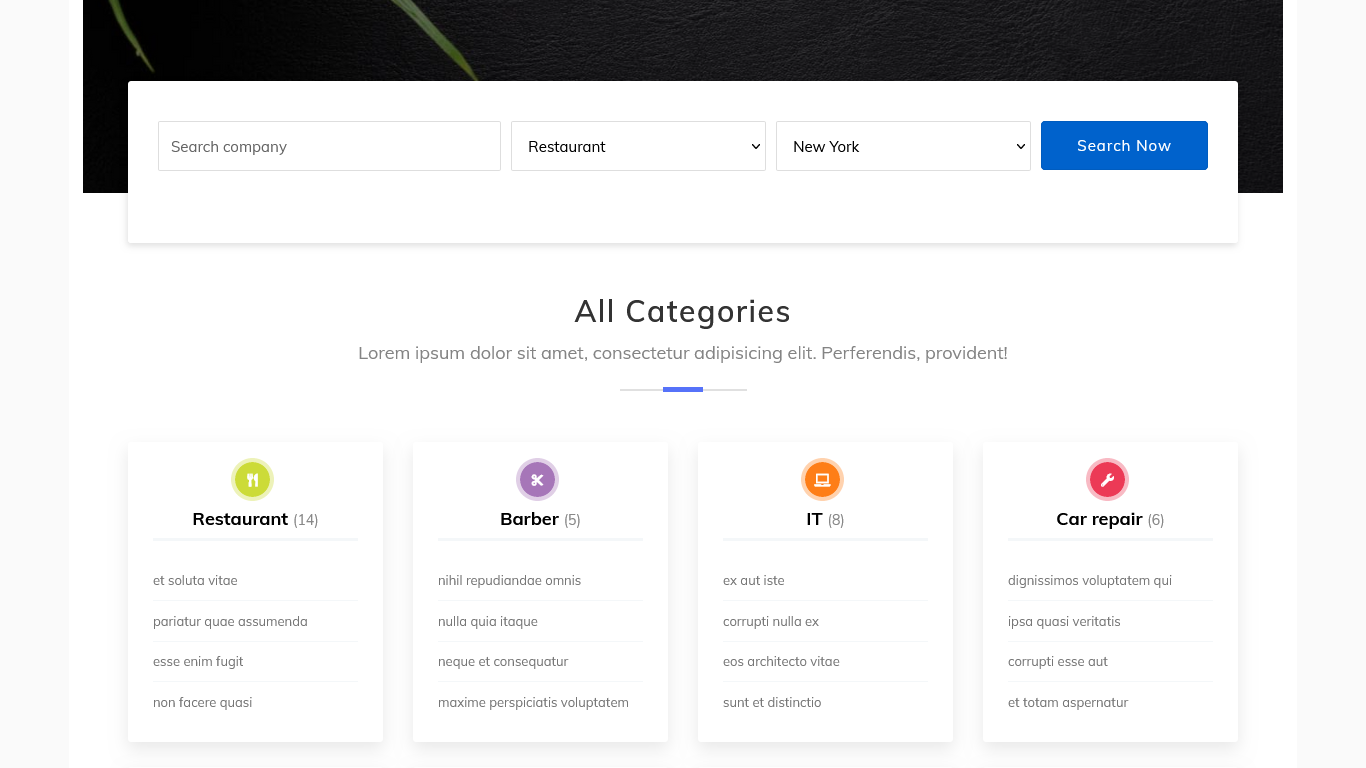
This is a 2-in-1 project: Filament admin panel to manage companies/cities/categories, and a front-end classified website to show that catalog of companies with filters and search.
It's an example of how you can use a totally different CSS like Bootstrap, in a website part of your application, outside the Filament panel.
Get the Source Code:
Only This Example
One-time payment
 Sign in with GitHub to buy
Sign in first, then complete your $9 checkout.
FilamentExamples Membership
30-day money-back guarantee
How it works
For the Filament Panel, we have three resources to manage Category, City, and Company.
The company uses the spatie/laravel-medialibrary package to manage images. For the image field in the form for the company, we are using the official Filament plugin Spatie Media Library.
For image upload, we call the SpatieMediaLibraryFileUpload() method.
Forms\Components\SpatieMediaLibraryFileUpload::make('logo'),To show the image, the SpatieMediaLibraryImageColumn() method is used with the conversion() to show the generated thumbnail.
Tables\Columns\SpatieMediaLibraryImageColumn::make('logo') ->conversion('thumb'),We are creating an image conversation called thumb.
app/Models/Company.php:
use Spatie\Image\Manipulations;use Spatie\MediaLibrary\HasMedia;use Spatie\MediaLibrary\InteractsWithMedia; class Company extends Model implements HasMedia{ use InteractsWithMedia; public function registerMediaConversions(Media $media = null): void { $this ->addMediaConversion('thumb') ->fit(Manipulations::FIT_CONTAIN, 300, 300) ->nonQueued(); }}In the frontend, we are showing...